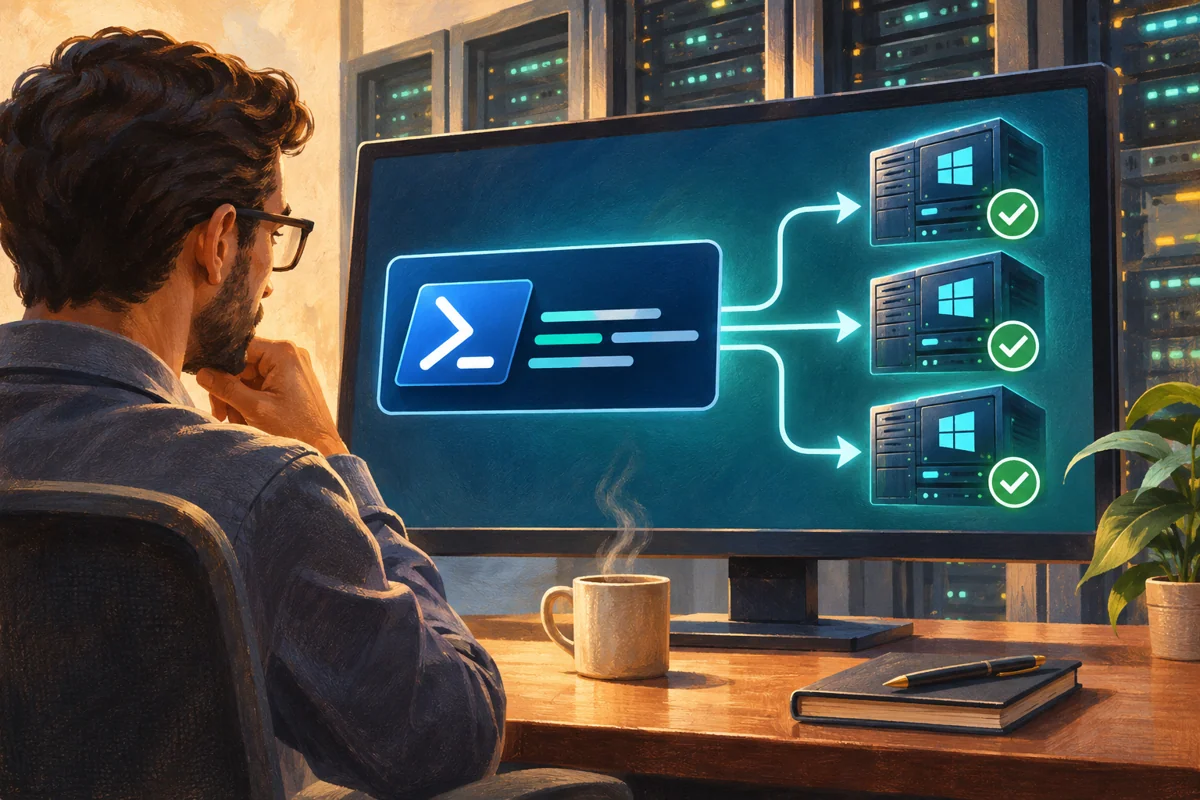
Platform: Windows Server 2019, 2022 and 2025, with the version and hosting restrictions described below.
Start with a bounded fleet operation
Running the same command on several servers is useful for inventory and controlled changes, but multiplies mistakes as effectively as it multiplies successful work. Define the exact target set, operation and expected result before choosing concurrency. Begin with a read-only pilot and keep failed or unreachable targets visible rather than silently reporting only successes.
In a managed Netcloud24 estate, authorised operators carry out fleet administration and provide customers with the agreed service outcome. Customers should not need to enable remote management broadly to answer a support request. This article describes a domain-based Kerberos remoting workflow with explicit names, bounded concurrency and reviewable output.
Verify identity and transport prerequisites
Use an approved management host and an account delegated for the intended endpoint and command. Resolve targets by their correct DNS names so Kerberos can validate the service identity. IP-address connections, aliases and cross-domain arrangements can introduce different authentication requirements; do not set TrustedHosts to a wildcard as a generic fix.
WinRM listeners, firewall scope and PowerShell endpoints should be prepared through the management baseline. Enable-PSRemoting changes the remote-management surface and should not be run indiscriminately on every machine merely because a connection failed. Restrict access to approved management networks and use HTTPS or other supported arrangements where the topology requires them.
$targets = @('app-east01.corp.example','app-east02.corp.example')
$targets | ForEach-Object {
  Resolve-DnsName $_
  Test-WSMan -ComputerName $_
}
A WSMan response proves the service endpoint answers, not that the caller can run the required PowerShell command. Test the actual endpoint and delegated operation on one pilot. Record authentication failures separately from DNS or network failures.
Send a read-only command with useful source fields
Return structured objects containing the information needed for comparison. The example collects OS build and recent boot time. Avoid Format-Table inside the remote block because formatting objects are poor data for later filtering or export. Keep the remote action narrow and predictable.
$results = Invoke-Command -ComputerName $targets -ThrottleLimit 4 `
  -ScriptBlock {
    $os = Get-CimInstance Win32_OperatingSystem
    [pscustomobject]@{
      Server = $env:COMPUTERNAME
      Build = $os.BuildNumber
      LastBoot = $os.LastBootUpTime
      CapturedAt = Get-Date
    }
  } -ErrorVariable remoteErrors
$results | Select-Object Server,Build,LastBoot,CapturedAt,PSComputerName
$remoteErrors | Select-Object PSComputerName,Exception
The throttle is illustrative. Choose it from management-host capacity, network and target workload, not the highest number available. A slow or failing server should not lead to an uncontrolled burst of retries against every target.
Understand returned objects and remote variables
Remoting serialises most objects for transport. Returned values are snapshots with properties and usually lack the original live methods. Do not expect a process object received locally to behave like a live remote process. Execute any required method or state change inside the deliberately reviewed remote command instead.
Pass inputs explicitly with parameters and ArgumentList, or the appropriate supported using-scope syntax. A local variable does not magically exist in the remote session. Keep secrets out of embedded strings and command output. A remotely supplied path is interpreted on the remote machine unless the command specifically performs a local operation.
Invoke-Command -ComputerName $targets -ThrottleLimit 4 -ArgumentList 'W32Time' `
  -ScriptBlock {
    param($serviceName)
    Get-Service -Name $serviceName |
      Select-Object Name,Status,StartType
  }
This example reads a service; changing or restarting it would be a separate operation requiring its dependency and recovery plan. Do not turn a useful inventory block into a destructive action simply by adding a pipeline command.
Handle file access and the second hop deliberately
A command running remotely may need a third system, such as a UNC share. The authenticated session does not automatically delegate the caller’s credentials to that second hop. A local success against the share therefore does not prove a remote command can use it.
Prefer a design that avoids unnecessary delegation: stage approved files through the session, use a service identity with the required access or run the operation where its data resides. PowerShell Copy-Item supports session-based transfer where appropriate. CredSSP and broad delegation expose additional credential risk and should not be enabled as a routine repair for a file-path error.
For persistent PSSessions, close them when finished and keep their lifetime deliberate. Reuse can be efficient, but it also retains state that can make a later command behave differently from a fresh session. Include endpoint configuration and module availability in the operation record.
Reconcile the target list with the returned evidence
Compare every intended target with successes and errors. An export of twelve successful rows from fifteen servers must not be presented as a fifteen-server verification. Preserve time, source host and error detail and distinguish unreachable, unauthorised and command-level failures.
$responded = @($results.PSComputerName | Sort-Object -Unique)
$targets | Where-Object { $_ -notin $responded }
$results | Export-Csv 'C:\Operations-Evidence\server-builds.csv' `
  -NoTypeInformation -Encoding UTF8
Create and protect the output directory first. Reports can contain internal infrastructure details, and execution logs can include more sensitive data. Preserve enough information to reproduce the comparison without exposing credentials or unnecessary configuration.
For changes, separate preparation from execution
A fleet change needs a preview or inventory, a small ring, accepted preconditions and a rollback for the actual operation. PowerShell remoting itself does not make a service restart, ACL edit or feature removal safe. Decide whether targets can change concurrently and whether a partial rollout is acceptable.
Use ErrorAction and error handling intentionally. A non-terminating error can let later commands continue, so a script should stop a target’s dependent steps when a prerequisite fails. Record what changed on each host rather than assuming the same result everywhere. Re-running a partially completed block requires idempotent design or explicit reconciliation.
Avoid claiming testing that was not performed. A successful command return is evidence for that action at that time, not universal application acceptance. Use the service owner’s real checks after a material change.
Close sessions and retain the operational boundary
Remove created sessions and temporary staged files according to policy once evidence and acceptance are complete. If troubleshooting altered listeners or firewall rules, restore the approved baseline and verify normal administration remains available. Do not leave a wildcard trust or unrestricted endpoint as an undocumented convenience.
Document target selection, identity, endpoint, command version, concurrency, results and exceptions. The managed outcome is consistent fleet work with an honest account of failures and partial completion. That is more useful than a fast command whose missing servers and credential assumptions are invisible.
 Running scheduled PowerShell under a deliberate service identity
Register a scheduled PowerShell job with an approved service identity, protected code and explicit run settings, then verify the stored…
 Collecting PowerShell transcripts without creating a new secret store
Deploy PowerShell transcription as protected evidence collection, distinguish shell and event-log coverage, test real writing contexts and…
 Signing a PowerShell release with a trusted code-signing identity
Sign a reviewed PowerShell release with an explicitly authorised key and timestamp service, verify provenance and trust on target servers,…
 Creating a constrained PowerShell support endpoint with JEA
Create a read-only JEA support endpoint with protected role files, explicit restricted run-as identity and narrow group mapping, then test…
