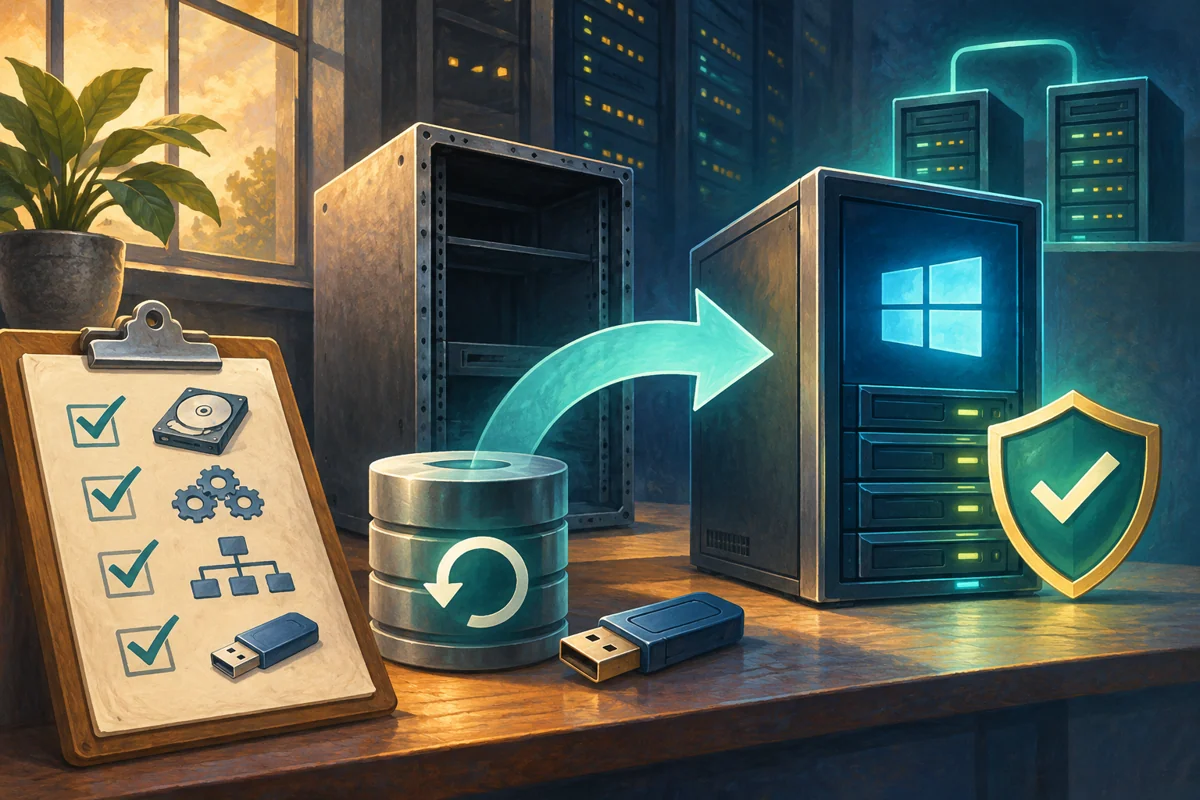
How to Prepare for Bare-Metal Recovery of Windows Server
Applies to: Windows Server 2019, 2022 and 2025.
Bare-metal recovery rebuilds the operating system and critical volumes onto compatible hardware or a replacement VM. Preparation matters more than starting the wizard.
Recovery procedures must be tested before an outage. Protect backup credentials and keep at least one recovery path separate from production. Visit managed Windows VPS hosting.
Prerequisites
- Create an all-critical backup.
- Keep matching Windows Server installation media.
- Record storage and network drivers.
- Store BitLocker and application recovery material separately.
Procedure
Step 1: Create recovery backup
Protect all critical volumes.
wbadmin start backup -backupTarget:E: -allCritical -quietStep 2: Verify catalogue
List version and included items.
wbadmin get versionsStep 3: Record build information
Capture edition, build, firmware mode and disk layout.
Get-ComputerInfo | Select WindowsProductName,OsBuildNumber,BiosFirmwareType
Get-Disk
Get-Partition
Step 4: Prepare boot media
Validate Windows Setup or recovery ISO.
Step 5: Document recovery sequence
Boot Windows Recovery Environment, choose System Image Recovery and select the verified backup.
Step 6: Test isolated restore
Use non-production compatible hardware or VM.
Verification
A successful test must boot, expose expected volumes and start essential services.
Get-Volume
Get-Service | Where Status -Eq 'Running'
Rollback and recovery considerations
Bare-metal recovery is itself a destructive recovery action. Keep the failed system and backup unchanged until the restored server passes acceptance.
Operational notes
Different storage controllers, firmware mode or disk size can prevent recovery; test representative replacement infrastructure.
Official references
For a hosted environment with setup and onboarding, explore our managed Windows VPS plans.
 Preparing Windows Server Backup before creating recovery points
Prepare Windows Server Backup from a defined recovery objective, inspect storage and VSS prerequisites, verify feature and catalogue state,…
 Creating a server backup whose contents can be verified
Create a reviewed Windows server recovery point with explicit critical and application volumes, deliberate VSS behaviour and a verified…
 Protecting domain-controller system state for an AD recovery plan
Create and verify a protected domain-controller system-state backup within an AD recovery plan, assess source health and backup age, and…
 How to Restore Individual Files with Windows Server Backup
Applies to: Windows Server 2019, 2022 and 2025.File recovery should restore to an…
 How to Install and Validate Windows Server Failover Clustering
Applies to: Windows Server 2019, 2022 and 2025.Failover Clustering provides…
