
A short outage does not automatically justify seizing an Active Directory operations-master role. First determine what has failed, which role-dependent operation is affected and whether the current owner can return safely. A normal transfer preserves a simpler path; seizure belongs to a documented recovery decision with explicit handling of the previous owner.
These are directory-administration actions performed by authorised operators. For a Netcloud24 managed service, customers provide the business impact and required recovery outcome, while the team assesses directory health and implements the agreed change.
Map the role and its scope
The Schema Master and Domain Naming Master are forest-wide. PDC Emulator, RID Master and Infrastructure Master are domain-wide, with a set in each domain. Query the correct context in a multidomain forest rather than treating the management computer's default domain as the entire environment.
Get-ADForest | Select-Object RootDomain,SchemaMaster,DomainNamingMaster
Get-ADDomain | Select-Object DNSRoot,PDCEmulator,RIDMaster,InfrastructureMaster
Record the query time and relevant controller context. Different roles affect different operations, so the immediate business impact varies. An unreachable schema owner does not imply every ordinary user sign-in stops; an exhausted RID situation has a different operational urgency.
Inventory writable controllers, sites and current ownership. Do not use a read-only controller as a destination or assume the newest machine is healthy merely because it was recently installed.
Separate a lost owner from a lost network path
Check console access, routing, services and the incident history. A management workstation's timeout can reflect its own VPN or DNS problem. A partitioned site may still have a functioning role owner that continues operating.
Creating a new owner while the old controller remains active but isolated can complicate recovery. Coordinate all affected sites and establish how the previous system will be isolated or rebuilt if seizure becomes necessary.
repadmin /replsummary
repadmin /showrepl
dcdiag /test:Advertising /test:Replications
Inspect individual failures and recent directory events. An online target with stale inbound replication is not a sound replacement. Preserve the last known healthy state and current evidence rather than restarting controllers until the summary changes.
Choose the destination and recovery safeguards
Select a supported writable controller in the appropriate domain with healthy replication, reliable connectivity and sufficient operational resilience. Consider site placement and maintenance arrangements. The decision should be explainable to another administrator during an outage.
For PDC movement, include time-service configuration, especially for the forest-root domain. A manually configured external time source on the old machine does not automatically become the new owner's intended arrangement. Plan validation and monitoring.
Review Infrastructure Master placement in the actual Global Catalog and directory design instead of repeating an old general placement rule without context. Confirm current AD-aware backups and the forest-recovery plan before consequential changes.
Scope authority and the change precisely
Use the documented permissions for each selected role. Domain and forest administration boundaries differ. Do not include forest-wide roles in a script merely because a request mentions one domain controller.
Write down source, destination, reason, selected roles, verification and rollback limits. During a planned retirement, keep the current owner available until transfer and replication checks pass. Demotion is a later acceptance decision.
If the directory is undergoing corruption or a security incident, assess whether the broader recovery plan takes precedence over routine role movement. Moving ownership does not repair compromised credentials or an untrusted directory state.
Attempt the ordinary transfer
Resolve the intended destination as a controller object, then move the specifically approved role:
$destination = Get-ADDomainController -Identity 'AD02.corp.example'
$destination | Select-Object HostName,Site,IsReadOnly
Move-ADDirectoryServerOperationMasterRole -Identity $destination `
 -OperationMasterRole PDCEmulator
The names are illustrative. Resolving the object first also avoids the documented issue with supplying some FQDN values directly to the move cmdlet. Review confirmation and retain the result.
If transfer fails, investigate the exact connectivity, permission or directory error. Adding Force changes the possible outcome; it is not a harmless reliability option. Multiple-role moves should name only the approved roles and verify every resulting owner.
Use seizure only after the recovery decision
When the owner cannot return within the required timeframe, obtain the organisation's recovery authorisation and control the old machine's return path. Confirm the chosen target has the best available healthy replicated state.
Move-ADDirectoryServerOperationMasterRole -Identity $destination `
 -OperationMasterRole PDCEmulator -Force
This narrowly scoped example is appropriate only after that decision. The switch first attempts transfer and can then seize if transfer is unavailable. RID seizure also has allocation safeguards and resource implications, so repeated unnecessary attempts are not benign.
Do not simply reconnect the previous controller after seizure. Follow Microsoft's role-specific recovery, supported demotion, rebuild and metadata guidance. Preserve an offline system if it is needed for investigation, while preventing it from resuming an unintended directory role.
Verify ownership beyond one command result
Get-ADDomain | Select-Object PDCEmulator,RIDMaster,InfrastructureMaster
Get-ADForest | Select-Object SchemaMaster,DomainNamingMaster
Get-ADDomainController -Identity $destination.HostName |
 Select-Object HostName,OperationMasterRoles
repadmin /replsummary
Check from appropriate healthy controllers after replication, and inspect relevant events. Confirm time configuration and normal authentication behaviour where the PDC moved. Use ordinary approved administration to validate other role functions rather than creating a gratuitous schema or domain change.
Update monitoring and recovery records to reference the new owner. If a controller is being retired, verify its other roles and dependencies before demotion; FSMO transfer alone does not migrate DNS, DHCP or application services.
Keep reversal proportionate to what happened
After a healthy transfer, a further supported transfer can return ownership to a suitable healthy controller. It remains a new directory change requiring verification. After seizure, ownership reversal does not by itself make the previous owner's state safe.
Complete approved cleanup for a permanently lost controller and retain the decision record. Microsoft's move cmdlet reference explains the Force behaviour. For related work, see controller replacement planning and object recovery.
Retain an operationally useful handover
Save the previous and resulting role maps, selected target, reason for transfer or seizure and replication checks. Include any time-source changes and the status of the previous owner. Another operator should be able to see whether that machine is safe to start, still isolated for investigation or awaiting a required rebuild. An unexplained powered-off VM is not a sufficient recovery control.
 Designing and promoting the first controller in a new AD forest
Prepare a new Active Directory forest with reviewed naming, functional levels and recovery. Install AD DS, run prerequisite checks, promote…
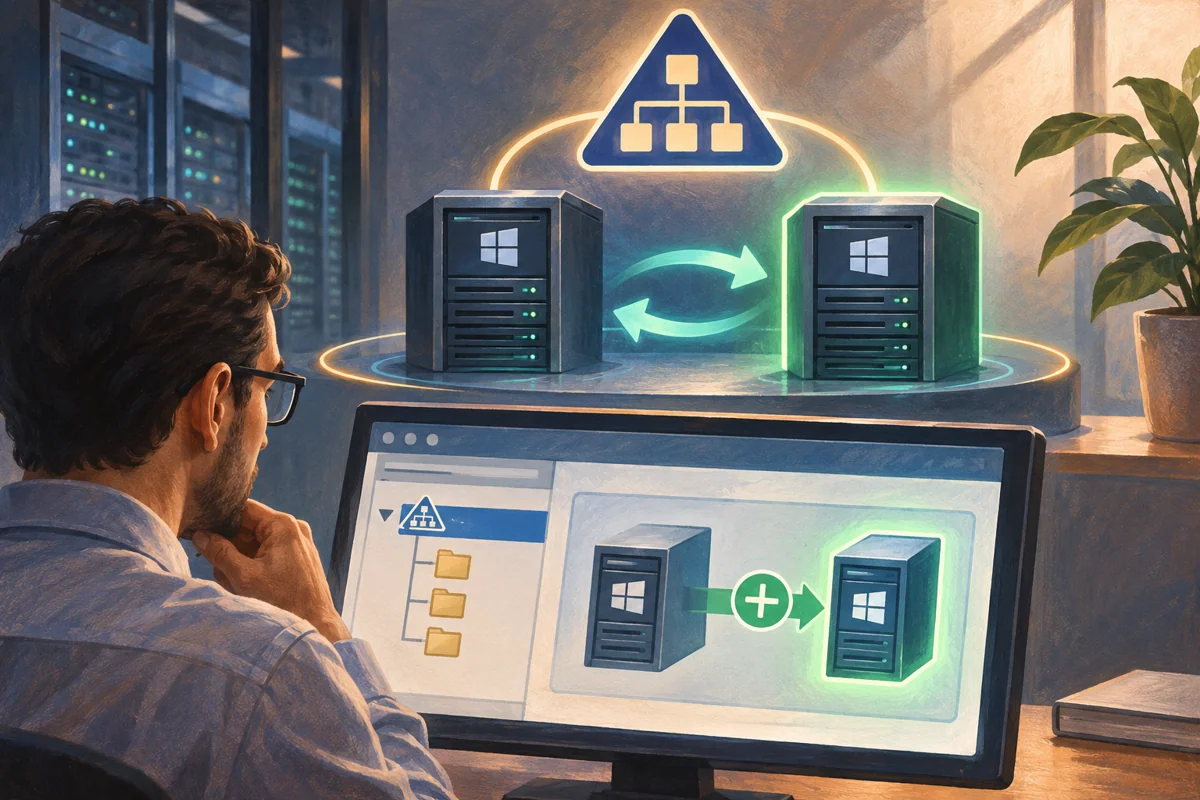 Introducing an additional domain controller into a healthy directory
Introduce a writable controller only after directory health, functional compatibility and preparation rights are verified. Test promotion,…
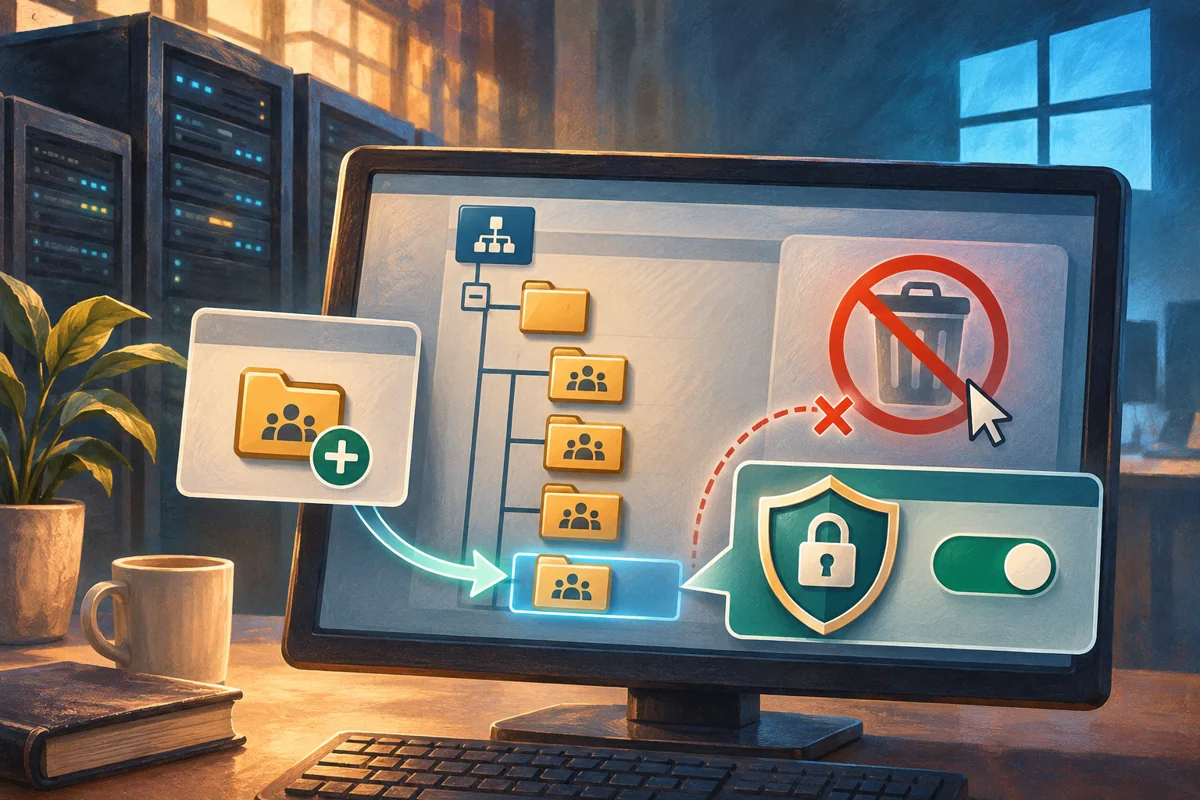 Creating protected organisational units with clear policy boundaries
Create an AD organisational unit for a defined delegation or policy purpose. Review inheritance, use a protected creation, verify placement…
 Provisioning an Active Directory user without exposing credentials
Provision an approved AD user through unique identifiers, a secure credential prompt and staged access review. Verify group membership,…
 Separating staff roles from resource permissions with AGDLP
Apply AGDLP by separating individual accounts, business-role groups and resource entitlements. Inventory existing permissions, build the…
