Backup, Recovery and High Availability
Windows Server Backup, bare-metal recovery, restore testing, clustering, failover, replication and disaster recovery.
Articles
 How to Configure Cluster-Aware Updating for a Failover Cluster
Applies to: Windows Server 2019, 2022 and 2025.Cluster-Aware Updating coordinates node draining, patching, restart…
 Creating a server backup whose contents can be verified
Create a reviewed Windows server recovery point with explicit critical and application volumes, deliberate VSS behaviour and a verified destination, then inspect catalogue…
 How to Create a Two-Node Windows Failover Cluster
Applies to: Windows Server 2019, 2022 and 2025.Cluster creation forms the management object and network identity after validation.…
 Protecting domain-controller system state for an AD recovery plan
Create and verify a protected domain-controller system-state backup within an AD recovery plan, assess source health and backup age, and rehearse supported isolated restoration…
 Preparing Windows Server Backup before creating recovery points
Prepare Windows Server Backup from a defined recovery objective, inspect storage and VSS prerequisites, verify feature and catalogue state, and require representative restoration…
 How to Install and Validate Windows Server Failover Clustering
Applies to: Windows Server 2019, 2022 and 2025.Failover Clustering provides coordinated high availability for…
 How to Prepare for Bare-Metal Recovery of Windows Server
Applies to: Windows Server 2019, 2022 and 2025.Bare-metal recovery rebuilds the operating system and critical volumes onto…
 How to Restore Individual Files with Windows Server Backup
Applies to: Windows Server 2019, 2022 and 2025.File recovery should restore to an alternate path first when overwriting…
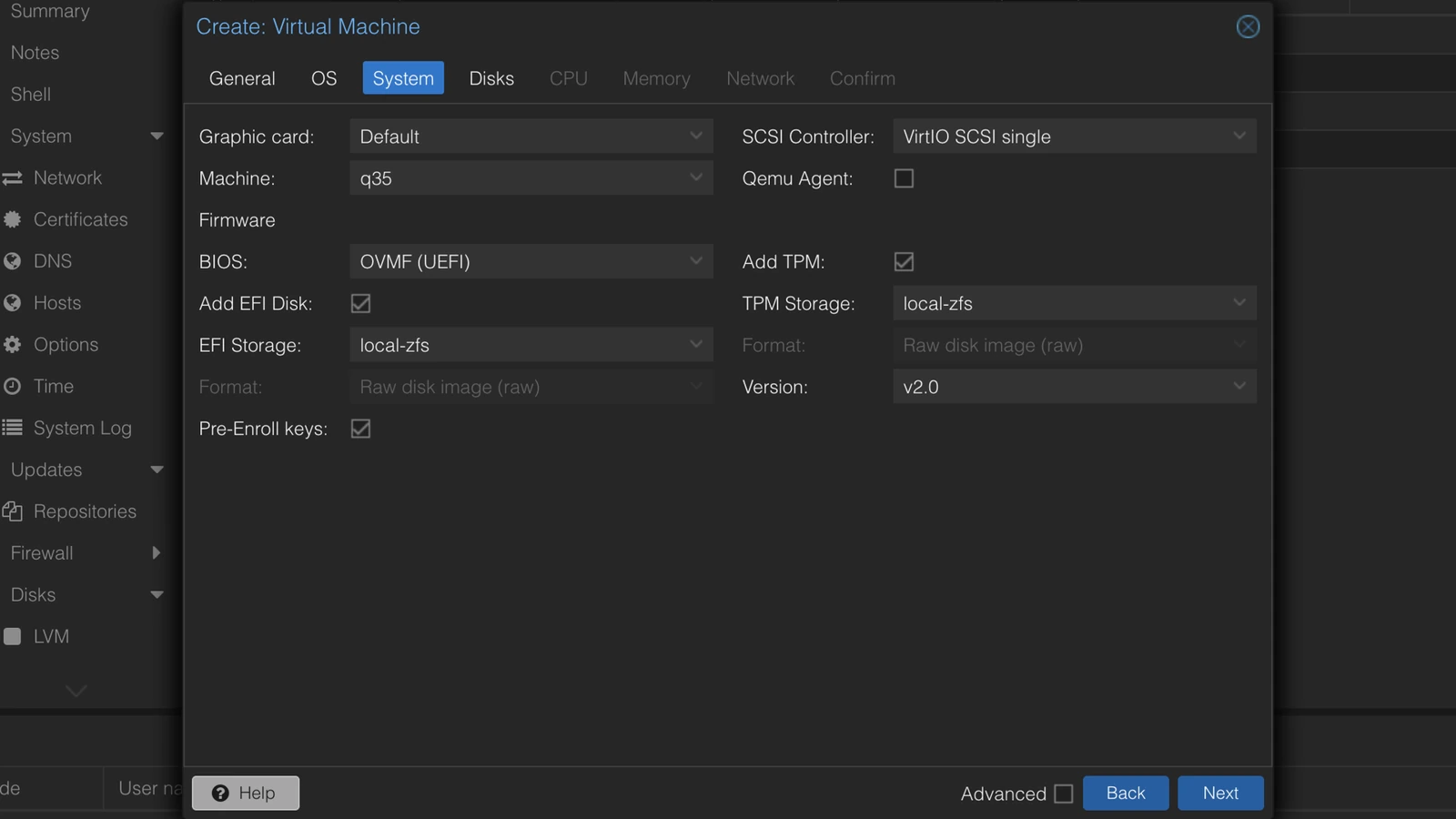 Planning Windows Server Virtualisation: Performance and Recovery
Plan the workload, reduce device overhead and test recovery before moving Windows applications onto a virtualised platform.
