
A Managed Windows VPS should give your organisation a prepared working environment, with the technical setup joined to the way employees actually use the service. Netcloud24 prepares the agreed Windows configuration, Remote Desktop arrangements, individual accounts, network controls and backup policy before handover. You do not need to become a Windows Server administrator to receive the managed service.
The preparation still depends on clear deployment information. Application compatibility, user numbers, access locations and data requirements determine what must be configured. The service order and agreed onboarding scope identify the final arrangement, including any optional database or application work.
Supply the business requirements; the team prepares the platform
Start with a list of applications and their exact versions. Include the vendor’s supported Windows and database requirements, installation media and licence availability. Tell us which employees need access, which locations they work from and whether printers, shared folders or external integrations are involved.
Describe tasks as well as headcount. A team opening modest files has different needs from the same number of people running complex reports against a large database. Include expected growth, month-end peaks and any large import or export jobs.
Netcloud24 uses that information to prepare the agreed environment. Windows roles, account groups, access routes and backup scheduling are technical implementation decisions handled within the managed setup. The customer’s role is to provide accurate requirements, approve access and help validate the business workflow.
Know which plan family you are ordering
Managed plans and Windows VPS 2027 are not interchangeable service descriptions. Managed plans include the agreed preparation and onboarding, with daily backups retained for 14 days. Windows VPS 2027 has a daily system-disk backup with a 24-hour restore point and an optional seven-day Premium backup.
Check your actual order for resources, included RDS User CALs and selected options. Do not infer backup scope or a user allowance from the fact that both products run Windows Server. Additional data disks also need a confirmed protection arrangement rather than an assumption that a system-disk backup covers everything attached.
Use the current quotation and order summary for charges, commitments and applicable tax. This guide describes how the service is prepared and accepted; it does not replace the commercial details or create an unverified price promise.
Separate the licensing decisions
The selected Windows Server Standard version and stated RDS User CAL allowance are included as defined for the Managed plan. Other software needs its own licensing review. SQL Server, Microsoft 365 applications and a specialist accounting package are not all covered merely because Windows itself is licensed.
RDS User CALs concern licensed people, not a simple count of simultaneous sessions. Before adding staff, confirm the correct allowance and arrangement. The technical ability to open another desktop does not establish that all required access rights have been purchased.
If your application needs SQL Server, provide its exact requirements. Netcloud24 can review the appropriate edition and licensing model with the workload. Avoid installing an arbitrary trial edition to get an application running temporarily and leaving the production decision unresolved.
Microsoft’s RDS licensing overview explains the user and device models. The applicable agreement and order remain the references for the actual deployment.
Agree application work alongside infrastructure preparation
Preparing Windows for compatible software is different from repairing that software’s database or developing a custom integration. Application installation and vendor involvement should be agreed during onboarding. Third-party licences and media are supplied by the customer unless another arrangement has been confirmed.
Identify who owns vendor upgrades, database administration and application-specific faults after handover. A managed hosting team and a software vendor may need to work together, but each should know which changes it is authorised to make.
This division does not mean customers must configure the underlying server themselves. Netcloud24 prepares the managed foundation. It means specialist business-software work should have an explicit scope instead of being hidden inside the word managed.
Use acceptance tests that match daily work
At handover, have a representative ordinary user connect through the approved route and open the correct application dataset. Check the tasks that make the service useful: saving a report, opening an authorised folder, printing and completing a safe import or export.
Use test data or the vendor’s approved acceptance procedure where a test would otherwise create real transactions. Have the business owner verify the results. A desktop screenshot demonstrates a connection, but it does not prove that the organisation can complete its work.
Check boundaries as well. Users should receive the files and application access their roles require, without unrelated confidential data or broad administrator privileges. Report excessive permissions as an acceptance issue, alongside missing access.
Agree how outstanding onboarding items will be recorded. Vendor media, licence approval or a final user list can hold up a specific task even when infrastructure is ready. Keep each dependency with an owner and expected decision date, and confirm the preparation schedule through the service team.
Understand recovery before an incident
Record what is protected, how often backups run and which recovery methods are available for the exact service. A retention window is not a guarantee that any minute can be selected. A business database may require an application-aware process or more frequent protection than a daily infrastructure backup.
Name the person who can approve data rollback and downtime. Restoring a whole server can undo several users’ work, whereas recovering one document to an alternate folder may have a smaller impact. The application owner should validate recovered content before normal processing resumes.
Plan the service after handover
Keep authorised contacts current and use individual accounts for new employees. For departures, arrange prompt access removal and transfer any required ownership of files or scheduled work. Do not preserve an old employee’s login merely because nobody has documented what it runs.
When the workload changes, describe the change before ordering more capacity. More users, a larger database and a heavier reporting job can create different resource pressures. Support can use evidence about the affected task and timing to identify the appropriate response.
Review recovery choices and service requests. Discuss your requirements when selecting managed Windows VPS hosting, so the prepared environment and handover reflect the way your organisation works.
 Remote Desktop access to a hosted Windows server: a user’s guide
Connect from Windows or macOS to the environment prepared for your team. Understand account details, VPN and gateway requirements,…
 Which Windows Server release should host your business software?
Choose Windows Server around the complete business application, support horizon and tested workflow. Understand the release options,…
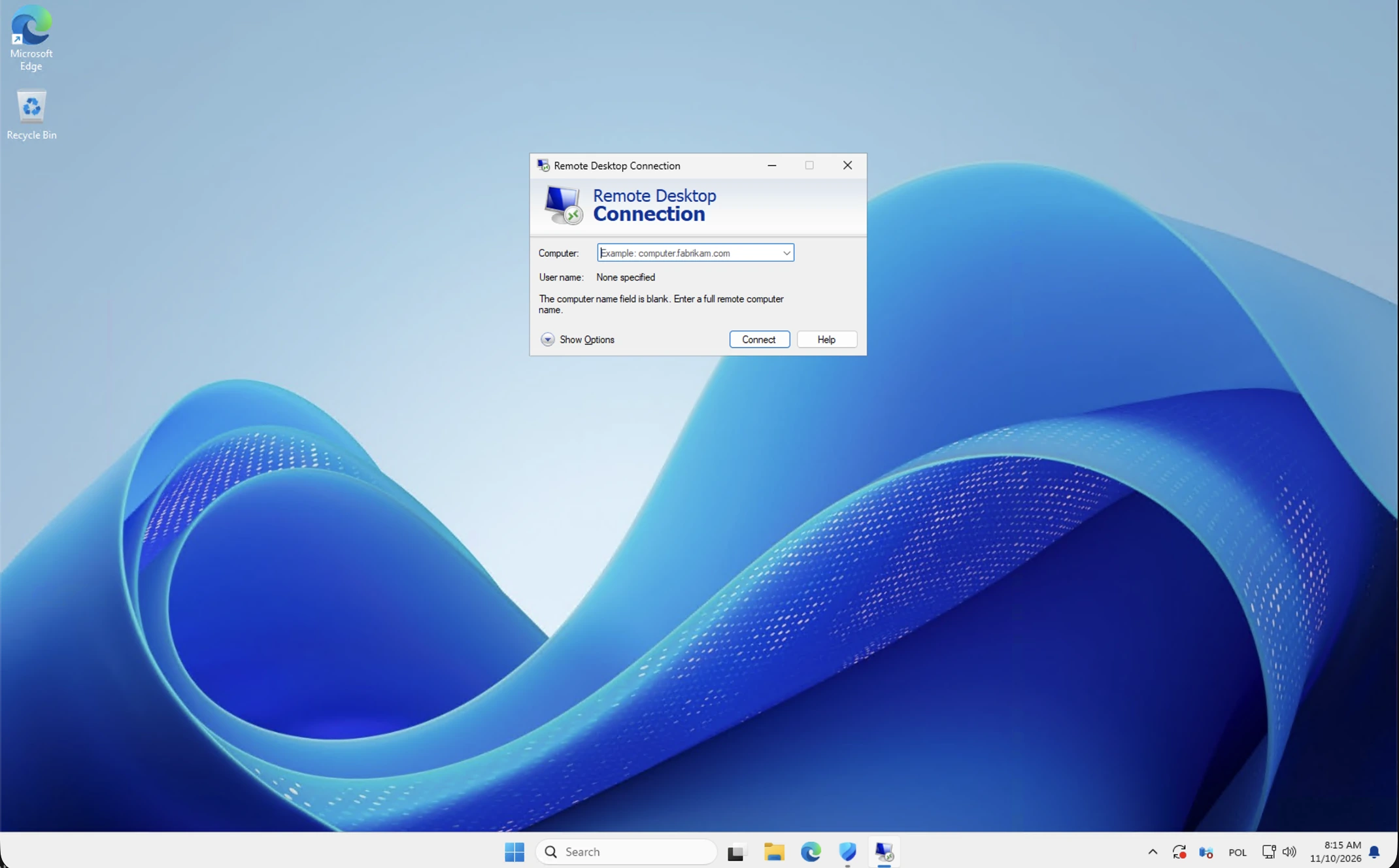 Your first Windows VPS sign-in: a visual Remote Desktop walkthrough
Open your prepared Windows workspace using the supplied Remote Desktop destination and individual account. Follow the illustrated prompts,…
 NetCloud24 Free Hosting: 5 GB, DirectAdmin, SSH & Node.js
NetCloud24 H1 gives you 5 GB of free web hosting storage, your own domain, DirectAdmin, SSH access and Node.js. There are no compulsory…
