
A finance manager should not have to ask which employee copied the accounting file to a laptop, whether a former employee still has access, or whether a home-office PC has the only current version of a report. RDS hosting places approved Windows applications, databases, and shared files in a central server environment, then gives each authorized user a controlled Remote Desktop session.
For Canadian small and mid-sized organizations, the value is not simply that people can work remotely. It is that the business can define where its applications run, who can access them, how access is granted, and how the underlying server is protected and recovered. That distinction matters when the workload includes accounting software, ERP systems, CRM platforms, SQL-backed applications, or line-of-business software that was never designed to be distributed across unmanaged personal devices.
What RDS Hosting Actually Provides
Remote Desktop Services, commonly called RDS, allows multiple named users to sign in to a Windows Server environment and run applications from their own desktop sessions. Instead of installing the same business application and maintaining separate data sets on many workstations, users connect to one centrally administered server.
A properly configured environment usually includes Windows Server Standard, Remote Desktop Services User CALs for each authorized user, dedicated compute and memory resources, NVMe storage, a dedicated IPv4 address, and scheduled backups. The server is the foundation. RDS licensing is what permits eligible users to access the Remote Desktop environment in a compliant way.
This is different from a basic remote-control tool. A remote-control tool generally connects one person to one existing computer. RDS is designed for multiple users working concurrently on a Windows Server, with separate accounts, profiles, permissions, and sessions. A user in accounting can work in the accounting application while an operations user accesses approved shared folders and an administrator manages the server, subject to the permissions assigned to each account.
The practical outcome is centralized application delivery. Employees can work from an office, home, or approved remote location without moving the primary application and data environment to each device.
Where RDS Hosting Fits Best
RDS is particularly useful when an organization relies on Windows-only or Windows-first business software. Many accounting, ERP, inventory, estimating, practice-management, and proprietary applications work best when users and data remain close to the same server environment. This can also simplify access to SQL Server when a business application depends on a SQL database.
It is not automatically the right answer for every workload. A cloud-native application that already runs fully in a browser may not require a Remote Desktop server. Likewise, software vendors sometimes have specific requirements for terminal server deployment, database versions, memory allocation, or supported file locations. Those requirements should be reviewed before migration.
For organizations replacing an aging in-office server, RDS can reduce dependence on a single physical machine in a closet or back office. For organizations with several locations, it provides one controlled environment rather than a collection of separately configured PCs. The correct server size, however, depends on more than user count. Concurrent users, application behaviour, database activity, file volumes, reporting tasks, and future growth all affect CPU, RAM, and storage requirements.
Managed RDS Hosting Versus an Unmanaged VPS
An unmanaged Windows VPS provides a virtual machine. That can be suitable for an internal IT team that has the time and expertise to build and maintain the complete environment. It does not, by itself, provide a ready-to-use multi-user remote workspace.
The work between receiving a blank server and handing over an operational RDS environment is substantial. It commonly includes installing and configuring Windows Server roles, enabling Remote Desktop Services, applying RDS User CALs, creating Active Directory users, defining group memberships, setting folder permissions, configuring firewall rules, arranging secure VPN access where required, and establishing backup schedules.
A managed service should make the scope of this work clear. Netcloud24, for example, focuses on managed setup and onboarding for Windows VPS environments intended for business application access. The objective is not merely to provision infrastructure. It is to establish approved access routes, individual identities, and defined permissions before business users begin work.
That does not mean every software issue belongs to the hosting provider. Infrastructure support and application-specific support are different responsibilities. The provider can administer the Windows server, RDS access, storage, connectivity, and backup configuration. The customer, its internal IT team, managed service provider, or application vendor may remain responsible for application licensing, software configuration, vendor support, data entry workflows, and application-level troubleshooting. Defining this boundary early prevents delays during onboarding and support requests.
Security Depends on Identity and Access Design
A shared Remote Desktop username may appear convenient, but it weakens accountability. Individual user accounts allow the organization to remove access when a role changes, apply permissions by department, and identify which account performed a given action. This is the starting point for controlled remote access.
Security should also consider the route users take to reach the environment. A VPN can limit access to approved networks before a Remote Desktop connection is even attempted. Firewall rules should allow only required services and approved source paths. Administrative accounts should be separate from ordinary user accounts, and permissions should be assigned based on the files and applications each role actually needs.
There is a trade-off between convenience and control. Opening Remote Desktop directly to the public internet may be simpler for a small team, but it expands the exposed service that must be protected and monitored. Requiring VPN access adds a user step, yet it creates a more controlled entry point for many business environments. The appropriate design depends on the organization’s risk profile, user locations, and operational requirements.
A managed setup should also account for onboarding and offboarding. New employees need named accounts and only the rights required for their role. Departing employees need access removed promptly. These are operational processes, not one-time server settings.
Licensing Must Match the People Using the Server
RDS licensing is often misunderstood because Windows Server licensing and Remote Desktop Services licensing are separate components. A Windows Server licence permits the server operating system. RDS User CALs permit named users to access the RDS environment. A business planning for eight users should ensure it has licensing for those eight authorized users, even if only some are connected at one moment.
User CALs are often a practical fit for organizations where employees may connect from more than one device. A staff member who uses an office PC, home computer, and approved mobile device is still one named user. As the organization expands, additional user licensing can be added to match approved access requirements.
Third-party software licensing needs the same review. An accounting package, SQL Server deployment, ERP platform, or CRM application may have its own user, device, server, database, or remote-access conditions. Hosting the software on an RDS server does not remove those obligations. Confirming vendor requirements before deployment is more efficient than correcting a licensing or compatibility issue after users are live.
Backup Planning Is About Recoverability
Daily backups are a necessary infrastructure control, but a backup is useful only if the business knows what it is intended to recover. A deleted file, an application configuration error, a database issue, and a complete server failure are different recovery events. Retention periods, restore procedures, and acceptable recovery times should be discussed before the service goes live.
For example, a team that updates accounting data throughout the day may need to understand whether daily backup timing meets its operational tolerance for data loss. A business with large shared files should also consider how long a restore may take and which data requires priority. For SQL-backed applications, database-aware backup requirements may need coordination with the application vendor or database administrator.
Backups do not replace disciplined permissions. Preventing unauthorized deletion or changes is preferable to restoring after the fact. They also do not replace an application-specific data management plan when software vendors require their own export, maintenance, or backup procedures.
Planning a Productive RDS Deployment
Before onboarding, collect the details that determine how the environment should be built: the number of named and concurrent users, applications to be installed, vendor requirements, SQL Server needs, current data size, expected growth, user locations, required shared folders, and the people authorized to approve access. This information turns a generic server request into a workable implementation plan.
A useful handover includes more than credentials. Administrators should know the approved connection method, which users have which access, where business data is stored, how requests for new users are handled, and how backup restores are requested. Staff should know where to save files and which actions require administrator approval.
The best RDS environment is usually uneventful: users open the approved application, work from the current data, and sign out without needing to know where the server is hosted. That outcome comes from clear setup decisions made before the first user connects, not from adding controls after a problem occurs.
 What a managed Windows application environment should deliver
Evaluate managed Windows hosting through the working outcomes staff need, including supplied access, supported applications, protected data…
 RDS licensing decisions for a UK business team
Review RDS licensing around the people, devices and server versions your UK team actually uses. Separate entitlement from access…
 Who should own your Windows VPS operations?
Compare managed and unmanaged hosting through the work each party must own, from application preparation to recovery. Use your team…
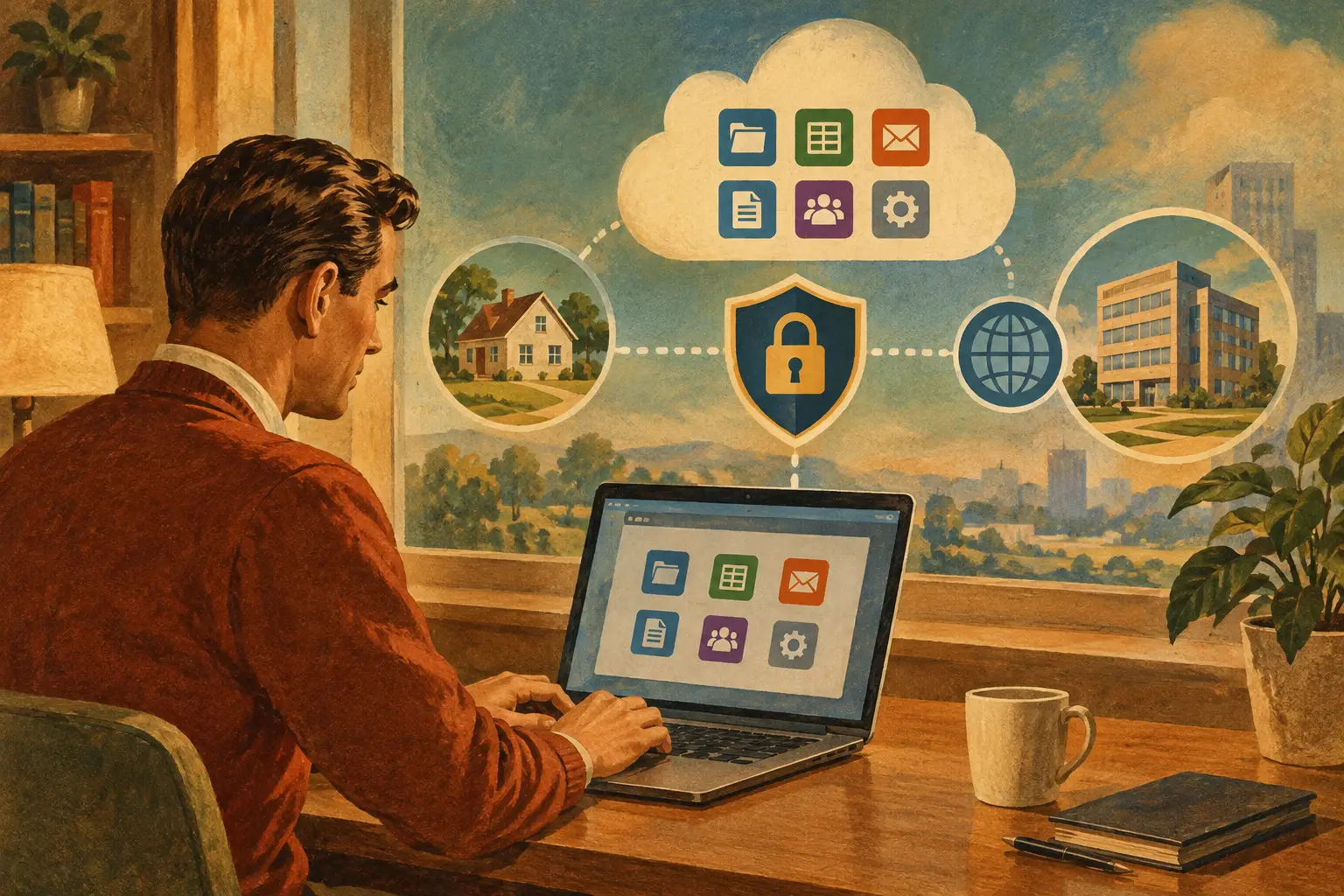 Designing a safe route to a business application from home or the office
Design remote business access as a complete user journey, from supplied profiles to application permissions. Test real tasks, protect local…
 The evidence behind a sensible Windows business-server security review
Assess business-server security through observable controls rather than labels. Review access, privilege, patching, exposure, restoration…
