
FSMO roles provide particular directory operations that need a designated owner. Moving them should be a reviewed ownership change between healthy eligible controllers. A planned transfer and an emergency seizure are different operations with different consequences.
This guide is for authorised AD DS administrators in Windows Server 2019, 2022 and 2025 environments. Netcloud24 coordinates agreed directory administration for Managed services. Customers should request resilience or retirement work through support rather than move role ownership independently.
Identify the five responsibilities
Schema Master and Domain Naming Master are forest-wide roles. PDC Emulator, RID Master and Infrastructure Master are domain-wide roles. A multi-domain forest therefore has more than one set of the domain roles.
Know the role behind the intended change. Retiring a controller requires reviewing all responsibilities it holds, while relocating one domain function does not automatically require moving every forest role.
The PDC emulator has important authentication and time-related responsibilities. Its transfer needs a review of the intended time hierarchy, particularly for the forest-root domain. Moving the role does not automatically make every previous peer configuration appropriate on the new owner.
Record current holders and health
Import-Module ActiveDirectory
Get-ADDomain | Select-Object DNSRoot, PDCEmulator, RIDMaster, InfrastructureMaster
Get-ADForest | Select-Object Name, SchemaMaster, DomainNamingMaster
repadmin /replsummary
Collect the result in the intended domain and forest context. An implicit default can answer a different domain’s question when the operator manages several environments.
Confirm healthy replication, directory DNS and time. Resolve persistent errors before a planned move. A controller showing a familiar hostname is not necessarily a healthy destination.
Verify current backups and recovery ownership. An ownership transfer is not a substitute for repairing a corrupted directory or restoring lost historical data.
Select an eligible destination
Choose a supported writable controller appropriate to the role and domain design. Review site, network and failure-domain considerations. Avoid moving a critical owner onto a machine already scheduled for shutdown or dependent on an unreliable link.
Check the destination’s AD DS and DNS health and its ability to replicate required naming contexts. For a retirement project, verify its other service dependencies before treating it as a complete replacement.
Arrange privileges for the specific role. Domain role administration and forest role administration can require different authority. Use approved scoped or time-limited privileged access rather than leaving elevated memberships permanently assigned.
Keep transfer separate from emergency seizure
A normal transfer coordinates with the current holder. Use it when that owner is available and healthy enough to participate. A temporary connection failure should be investigated before concluding the old holder is permanently lost.
Seizure is a recovery decision when the previous owner cannot transfer. It can impose restrictions on returning that former controller, especially where role-specific safety requires rebuilding it. Do not bring an old holder back blindly after a seizure.
The Force switch is not a convenience flag for a planned move. This article’s normal-transfer example intentionally omits it. Use a separate approved recovery procedure if seizure is genuinely required.
Resolve the controller object explicitly
Use the directory object returned by Get-ADDomainController rather than relying on an ambiguous target string:
$target = Get-ADDomainController -Identity 'UK-DC02'
$target | Select-Object HostName, Domain, Site, IsReadOnly, Enabled
The name is illustrative. Verify it belongs to the intended domain, is writable and meets the role’s placement requirements. Confirm the current and destination operators agree on the maintenance window.
Record the original owner before the change. A reverse move later must use the current directory state, not an assumption that an old backup makes the former owner authoritative again.
Preview one planned role transfer
The example moves only the PDC emulator for its domain:
Move-ADDirectoryServerOperationMasterRole -Identity $target `
    -OperationMasterRole PDCEmulator -WhatIf
Review the scope and prerequisite health. WhatIf does not prove every dependency or credential will succeed. If another role is being moved, use its reviewed role identifier and appropriate authority.
Once approved, apply the exact operation without WhatIf and read confirmation prompts. Avoid a blanket five-role command when the change requires only one.
Verify ownership from more than one view
Get-ADDomain -Server $target.HostName |
    Select-Object PDCEmulator, RIDMaster, InfrastructureMaster
Get-ADForest -Server $target.HostName |
    Select-Object SchemaMaster, DomainNamingMaster
repadmin /replsummary
Confirm the planned role changed while unrelated holders remain as expected. Query through another healthy controller after normal replication to verify a consistent view.
Do not treat a success message alone as the acceptance result. Check relevant directory operations, events and client behaviour. Preserve the result and time in the change record.
Review the service consequences
For a PDC change, validate the new intended time-source configuration and the old controller’s appropriate hierarchy behaviour. Avoid leaving two machines with conflicting authoritative assumptions.
For controller retirement, check DNS clients, application bindings, monitoring and backup responsibilities. FSMO transfer does not remove every dependency on the old server, and it does not demote it automatically.
Plan workload checks proportionately. Do not provoke a real schema change or consume production resources just to demonstrate a role exists. Use supported diagnostics and representative non-destructive checks.
Diagnose a rejected move before escalating scope
Inspect the exact error for permission, source availability, naming or replication conditions. A higher-privilege identity does not repair every unreachable role holder.
If the previous owner is unavailable, establish whether recovery, network repair or supported seizure is appropriate. Involve the directory owner and preserve the timeline rather than repeatedly adding Force to commands until one returns success.
Reverse ownership only through current healthy state
If an ordinary transfer must be reversed, verify both controllers are healthy and perform another reviewed transfer. Recheck time or application dependencies afterward. Restoring a VM snapshot is not a generic FSMO rollback mechanism.
Document the final holder, role scope, validation and any retirement actions. See controller retirement and Microsoft’s role-movement reference and FSMO management guidance.
 Designing and promoting the first controller in a new AD forest
Prepare a new Active Directory forest with reviewed naming, functional levels and recovery. Install AD DS, run prerequisite checks, promote…
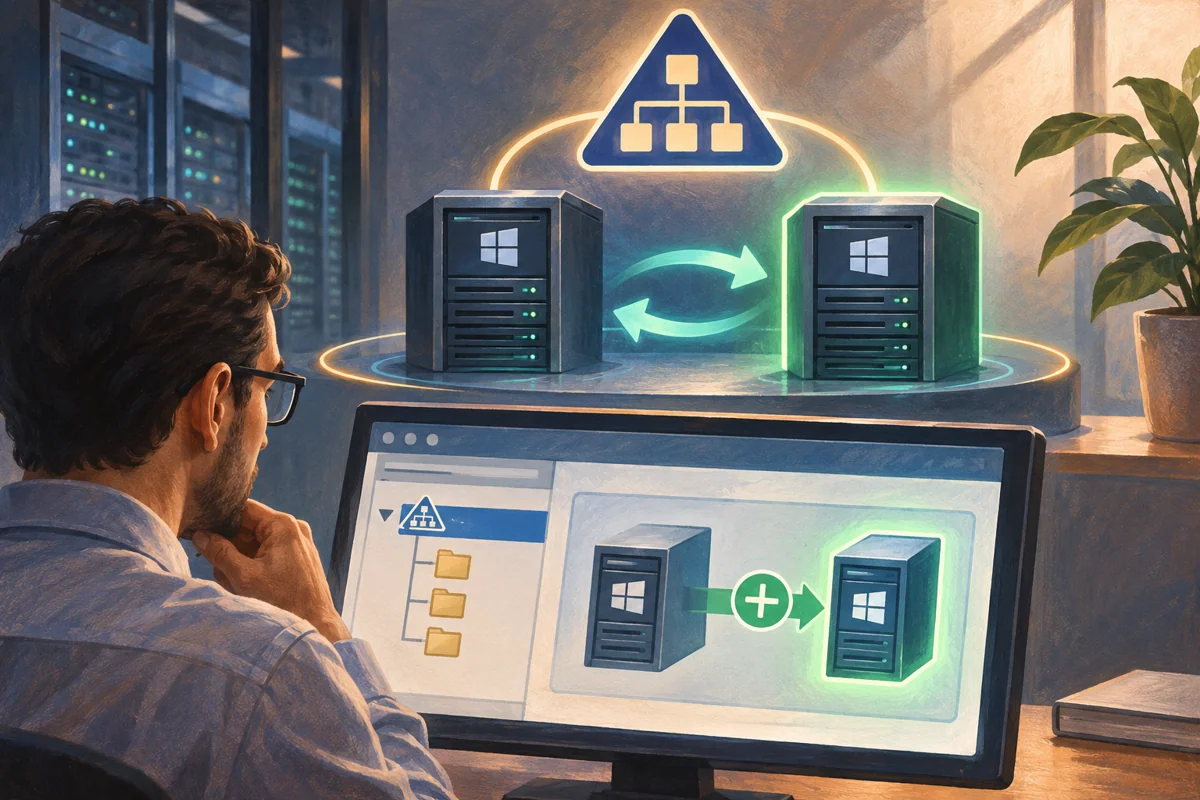 Introducing an additional domain controller into a healthy directory
Introduce a writable controller only after directory health, functional compatibility and preparation rights are verified. Test promotion,…
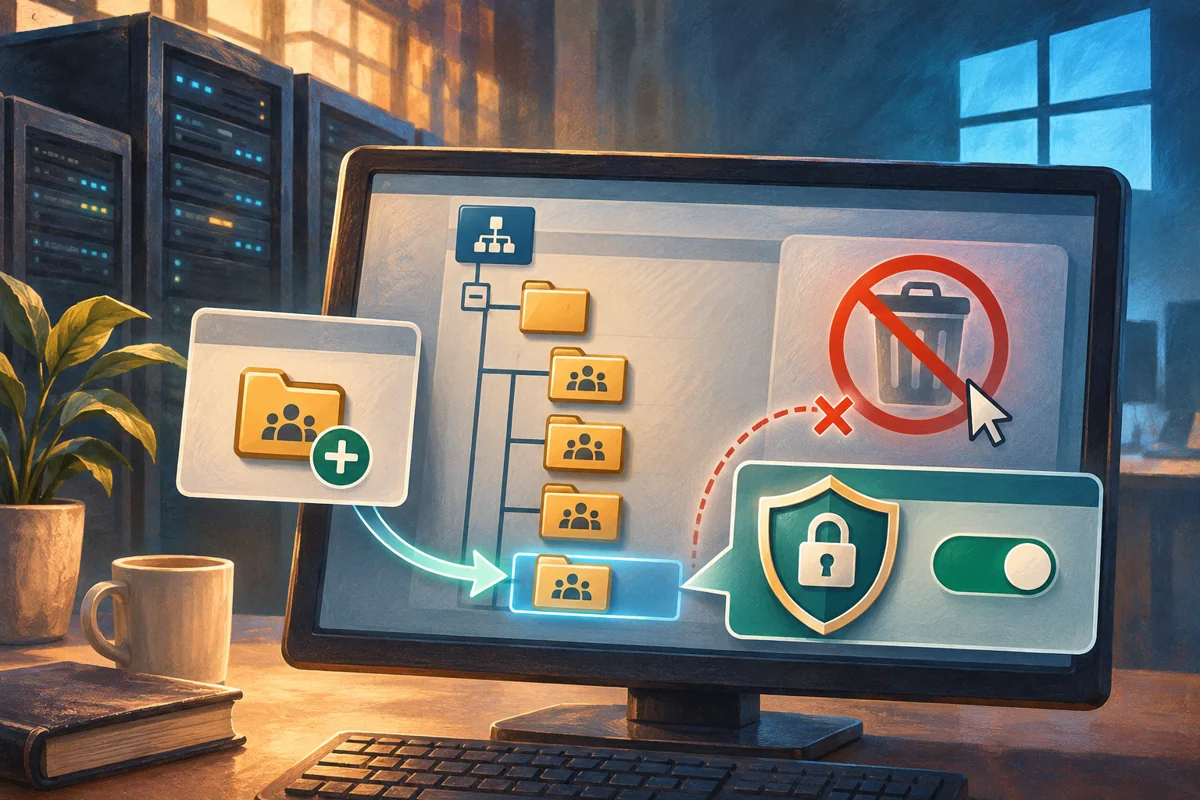 Creating protected organisational units with clear policy boundaries
Create an AD organisational unit for a defined delegation or policy purpose. Review inheritance, use a protected creation, verify placement…
 Provisioning an Active Directory user without exposing credentials
Provision an approved AD user through unique identifiers, a secure credential prompt and staged access review. Verify group membership,…
 Separating staff roles from resource permissions with AGDLP
Apply AGDLP by separating individual accounts, business-role groups and resource entitlements. Inventory existing permissions, build the…
