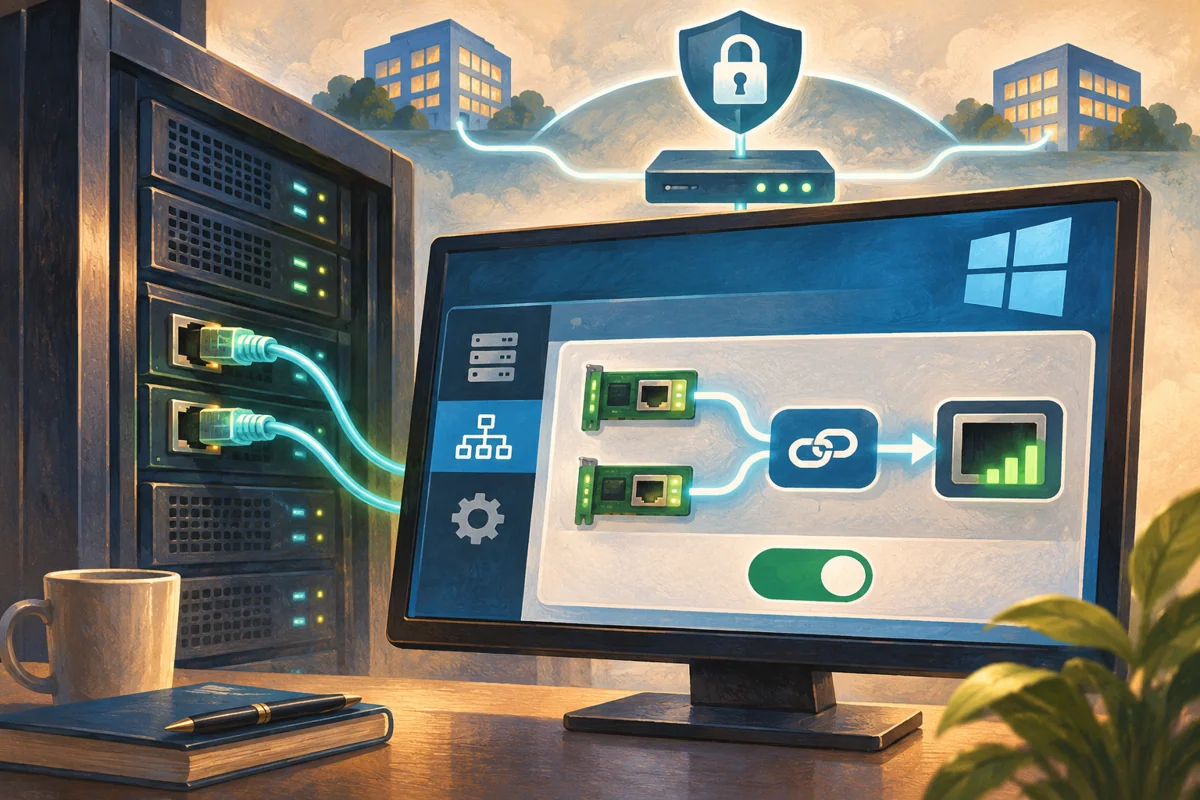
Platform: Windows Server 2019, 2022 and 2025, with the version and hosting restrictions described below.
Choose the technology before combining interfaces
Two adapters can provide additional network resilience, but only when the teaming method and upstream design support the required failure case. Traditional Windows NIC Teaming, known as LBFO, is distinct from Switch Embedded Teaming in a Hyper-V virtual switch. Begin by deciding which technology fits the server role rather than treating every “team” command as interchangeable.
For managed Netcloud24 infrastructure, this is a host-network design task undertaken before service handover. A customer’s VPS may expose multiple virtual interfaces without offering independent physical links or permission to create a team. Establish the provider and hardware support boundary before presenting an apparent guest-level configuration as physical redundancy.
Respect the Hyper-V release boundary
LBFO continues to support suitable non-Hyper-V Windows Server scenarios. Hyper-V networking has moved to SET: Microsoft’s Windows Server 2022 guidance removes binding a Hyper-V switch to an LBFO team in favour of embedded teaming. Existing Windows Server 2019 configurations may reflect older designs, but they are not the template for a new 2022 or 2025 host.
SET is created as part of the virtual switch and uses switch-independent teaming. It is not an LACP aggregate configured underneath the switch. Review its compatible adapter requirements, including matching capabilities, firmware and drivers. Do not use hidden compatibility workarounds simply to preserve an unsuitable old topology.
Storage networking adds separate considerations. RDMA, SMB Direct and iSCSI do not all have the same teaming recommendations. A supported MPIO design may be appropriate for block storage, whereas an improvised general-purpose team can defeat expected path behaviour. Review those workloads explicitly before consuming their adapters.
Define the failure and throughput expectations
A pair of NICs connected to one switch cannot automatically survive loss of that switch. Identify power, cable, switch and upstream dependencies. Switch-independent LBFO can use separate switches where the wider network supports it; LACP or static switch-dependent designs require the corresponding upstream configuration and supported multi-switch arrangement.
Aggregate link capacity is not a promise that one transfer will run at twice a member’s speed. Algorithms distribute flows or virtual ports in defined ways. A workload with one large connection may remain limited to one path, while several independent connections can distribute better. Agree a representative test rather than judging success from the sum of link labels.
Reserve a working console or out-of-band session. Creating or removing a logical interface can move addresses and routes and disconnect normal administration. A second untested IP is not a sufficient rollback plan.
Inventory only the adapters approved for this change
Record IPs, DNS, gateways, VLANs, physical switch ports and adapter identities. Check that each proposed member is unused by another team, switch or specialised service. Avoid scripts that select every Up adapter; availability does not imply permission to repurpose it.
Get-NetAdapter | Select-Object Name,InterfaceDescription,MacAddress,ifIndex,Status,LinkSpeed
Get-NetIPConfiguration
Get-NetRoute -AddressFamily IPv4
Get-NetLbfoTeam
Get-NetLbfoTeamMember
Get-VMSwitch -ErrorAction SilentlyContinue
Keep the baseline available outside the affected server. Verify the exact physical or provider mapping of each adapter, especially when friendly names were changed during a previous installation. Check driver and firmware compatibility before modifying network bindings.
Use an LBFO example only for its intended server role
For an approved non-Hyper-V server network, this example creates a switch-independent LBFO team using Dynamic distribution. Replace Office-A and Office-B with the reviewed members. Their upstream ports still need the agreed VLAN and forwarding configuration even though this mode does not require LACP.
New-NetLbfoTeam -Name 'Office-Links' -TeamMembers 'Office-A','Office-B' `
  -TeamingMode SwitchIndependent -LoadBalancingAlgorithm Dynamic
Get-NetLbfoTeam -Name 'Office-Links'
Get-NetLbfoTeamMember -Team 'Office-Links'
Get-NetIPConfiguration
Verify or apply the intended IP, DNS and routes to the resulting logical team interface. Do not leave conflicting static addresses on members or create duplicate default gateways. If a tagged team interface is required, use the supported VLAN configuration and match the upstream design. An Up logical adapter does not prove correct tagging.
For Hyper-V, create the team-backed switch instead
The alternative below creates SET on two approved Hyper-V uplinks. It is an alternative architecture, not a second command sequence to run against the LBFO members above. Inspect existing switches first and preserve all connected workloads.
New-VMSwitch -Name 'Host-Fabric' -NetAdapterName 'Fabric-1','Fabric-2' `
  -EnableEmbeddedTeaming $true -AllowManagementOS $true
Get-VMSwitchTeam -Name 'Host-Fabric'
Get-VMNetworkAdapter -ManagementOS
Get-NetIPConfiguration
The management OS uses its appropriate vEthernet adapter, with reviewed addressing and VLAN. Guests need their own adapter configuration. This establishes the switch-backed team, not a complete converged policy for storage, migration and management traffic. Review bandwidth reservations and isolation separately where the service requires them.
Prove operation and the chosen failure case
Check the logical interface and each member, then test DNS, management and application connections from another authorised machine. Review member statistics for errors and discards. A local request does not prove inbound reachability or correct upstream MAC handling.
Get-NetAdapterStatistics -Name 'Office-A','Office-B'
Get-NetLbfoTeamMember -Team 'Office-Links'
# For the SET alternative:
Get-VMSwitchTeam -Name 'Host-Fabric'
In an agreed maintenance exercise, fail one reviewed link at a time through a supported method while observing real service continuity. Restore it and verify recovery. Do not pull production storage cables as a casual demonstration. If one member dominates traffic, compare the actual flow pattern with the algorithm before assuming a fault or disabling offloads.
Keep repair and removal tied to the documented design
Loss of connectivity after member failure can involve inconsistent VLANs, switch forwarding, port security, MAC learning or a remaining path that never reached the same network. Inspect those facts before forcing adapter settings. A team-creation error can mean a member is already owned or unsupported, not that Windows needs a broad network reset.
For rollback, inventory all logical-interface and VM dependencies, remove only the introduced object and restore the recorded standalone configuration from the console. Removing a SET switch can disconnect guests as well as host management. Record the final technology, member identities, switch ports, algorithm and failure-test evidence. That record gives the managed service a demonstrable resilience model rather than an assumed doubling of bandwidth.
 Preparing RRAS for an agreed Windows Server gateway role
Prepare RRAS by choosing its gateway purpose, verifying platform support and interface design, installing only needed services, and testing…
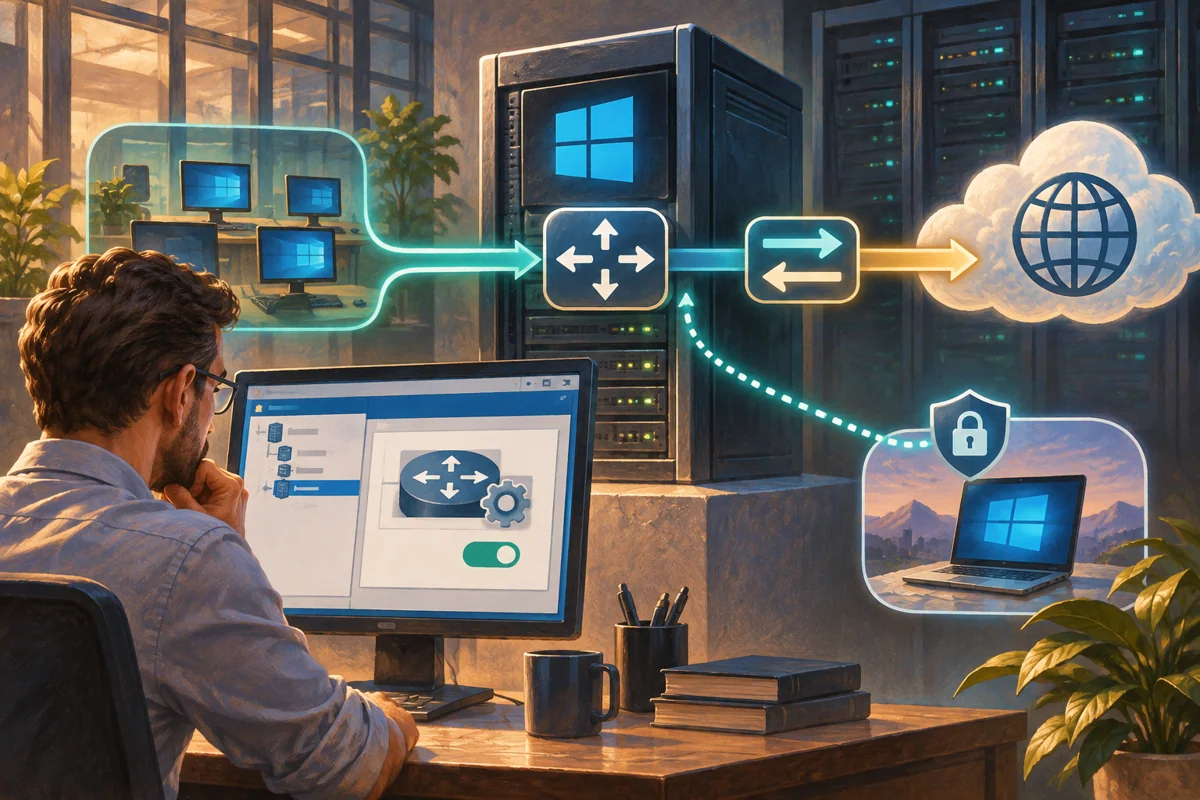 Providing controlled outbound IPv4 access with RRAS NAT
Configure traditional RRAS outbound NAT from the client’s full route, assign deliberate interface roles, verify actual translations and…
 Building a certificate-validated IKEv2 remote-access service
Design an IKEv2 service around gateway and EAP certificate validation, narrow NPS authorisation, managed client provisioning and external…
 Connecting two routed sites through an RRAS IKEv2 interface
Connect two sites using an RRAS IKEv2 interface with machine certificates, complementary subnet routes and matched responder policy, then…
 Introducing NPS as a controlled RADIUS authority
Introduce NPS with distinct AD registration and RADIUS peer trust, narrow policy matching, current integrity and certificate requirements,…
