Windows Server Installation and Initial Configuration
Installation, deployment, activation, Server Core, Desktop Experience and post-install configuration for Windows Server 2019, 2022 and 2025.
Articles
 Understanding and resolving Windows Server activation status
Identify Windows Server edition and activation method before making changes. Read status, request authorised activation, diagnose dependencies and protect keys while keeping…
 Collecting reliable Windows Server version and servicing evidence
Collect release, servicing edition, installation type and full build with clear provenance. Add activation or update context only when relevant and interpret the result against…
 Establishing a Server Core baseline with the SConfig menu
Establish a coherent Server Core baseline using SConfig. Prepare identity, networking, membership, maintenance and access decisions, then verify client-side operation and retain a…
 Choosing an accountable Windows update mode in SConfig
Choose SConfig update behaviour around ownership and effective policy. Distinguish download from installation, provide Core-compatible reporting and coordinate restarts,…
 Assigning a fixed IPv4 address without losing management access
Change Windows Server IPv4 and DNS through an approved allocation and console recovery plan. Understand DHCP transitions, route dependencies, resolver requirements and layered…
 Moving an eligible Windows Server evaluation into a licensed deployment
Assess evaluation conversion eligibility before changing Windows Server. Query supported targets, protect licensing secrets, plan replacement where needed and verify the…
 Creating and retiring a protected local administrator identity
Create a reviewed local administrator with a protected password prompt and explicit local membership. Verify permitted access and manage ownership, rotation, active sessions and…
 A restricted and verifiable Remote Desktop administration path
Build an administrative RDP route with defined sources, NLA and individual identities. Inspect overlapping rules, verify the server and test access boundaries before relying on…
 Making a Windows server manageable from Server Manager
Prepare Server Manager with supported tools, trusted naming and scoped WinRM access. Validate authorised queries, interpret collection results and preserve dependencies when…
 Testing trusted PowerShell remoting before remote administration
Validate Windows PowerShell remoting layer by layer. Inspect WinRM, use trusted server names, test a harmless command and preserve authentication boundaries, session ownership and…
 Adding supported compatibility tools to Server Core
Install Core compatibility components for a documented supported requirement. Check capability state, select the correct release-specific source, complete servicing and verify the…
 A supported clean build of Windows Server 2019 Desktop Experience
Create a justified Windows Server 2019 graphical deployment with protected disks, correct media and verified servicing. Accept the application workflow and retain a practical…
 Building a manageable Windows Server 2022 Core instance
Plan and install a supportable Windows Server 2022 Core instance. Verify workload fit, image and storage, then establish SConfig, remote administration, role acceptance and…
 Deploying Windows Server 2025 with a graphical desktop
Build Windows Server 2025 Desktop Experience through a controlled clean installation. Protect disks, select the correct image and licensing path, verify first boot and complete…
 Deploying Windows roles with a reviewed PowerShell change
Choose Windows role components from a supported service design. Inventory the target, preview and review installation, resolve approved payload sources and validate the configured…
 Patching Server Core through a controlled SConfig maintenance window
Run Server Core patching as an accountable maintenance process. Prepare recovery, select the approved updates, complete restarts and validate user-facing services before closing…
 Preparing a Windows Server member for Active Directory membership
Prepare DNS, time, delegated rights and OU placement before joining a Windows member to Active Directory. Respect account-reuse hardening and verify trust, policies, profiles and…
 Planning and verifying a Windows Server hostname change
Treat a Windows Server rename as an identity change. Review dependencies, reserve the name, control the reboot and verify DNS, trust, applications and old-record retirement before…
 Windows Server time checks: UK time zones, UTC and synchronisation
Distinguish UK local time, UTC and clock accuracy on Windows Server. Choose the correct zone, inspect domain or standalone sources, diagnose synchronisation and review critical…
 Useful Windows server descriptions and dependable asset records
Create concise server descriptions backed by authoritative asset records. Update the local CIM field, interpret platform identifiers and coordinate independent directory,…
 Selecting a Windows Server interface for the workload and support team
Choose the Windows Server interface around application support, maintenance tasks and recovery skills. Compare Core and Desktop Experience, understand optional components and…
 Production handover gates for a new Windows Server
Accept a Windows Server through evidence-based handover gates. Verify the delivered specification, access boundaries, business workflow, maintenance ownership, monitoring,…
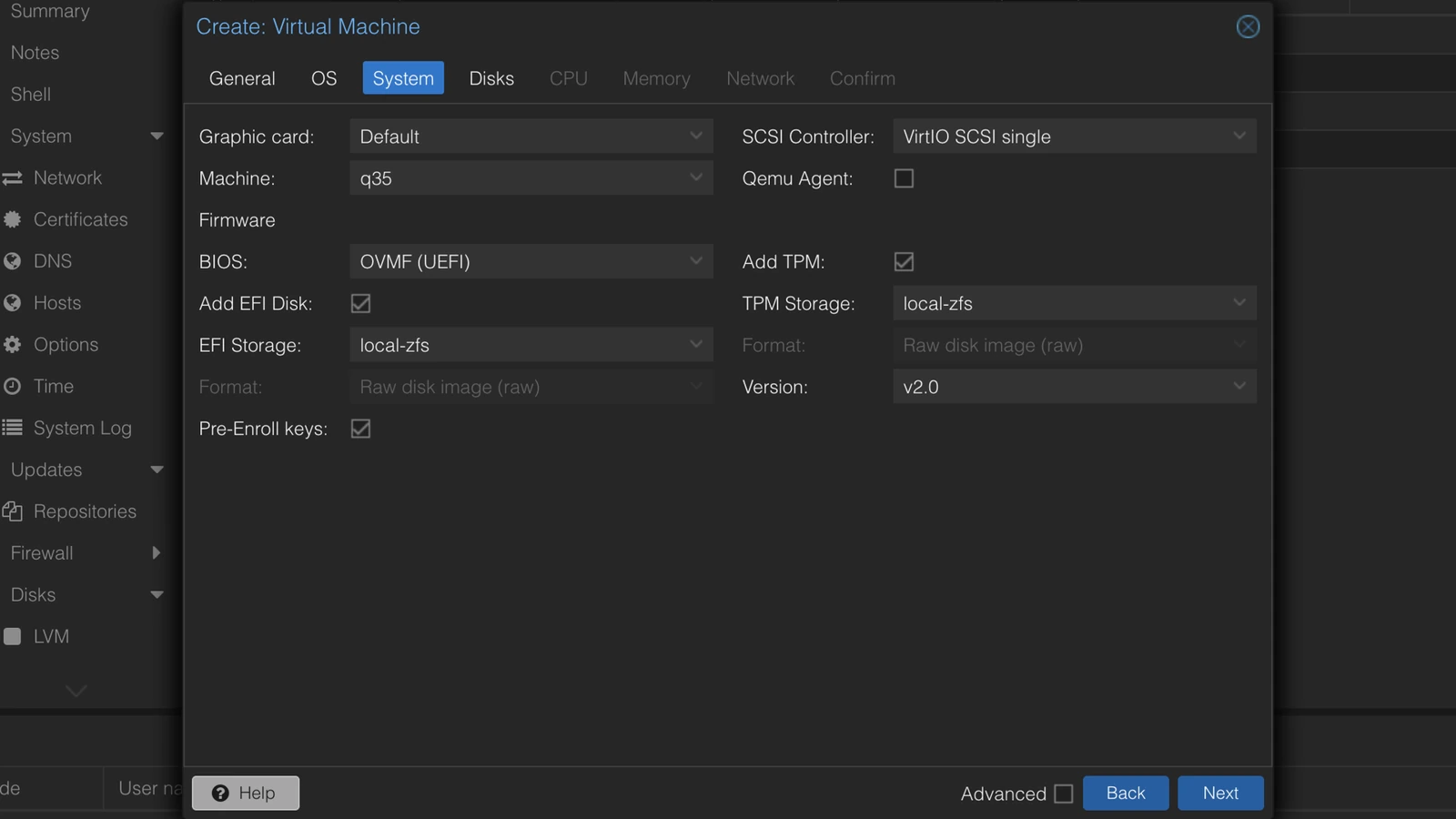 Planning Windows Server Virtualisation: Performance and Recovery
Plan the workload, reduce device overhead and test recovery before moving Windows applications onto a virtualised platform.
