Ideas. Expertise.
Better IT for your business.
Practical Windows Server guides, business insights and the latest from Netcloud24. Everything you need to build, manage and protect your infrastructure.
Latest insights.

Terminal Server for Secure Business Remote Work
A terminal server centralizes Windows applications, files, and Remote Desktop access for Canadian teams, with licensing, backups, and clear access rules.
Read the article →
RDS Hosting for Secure Business Application Access
RDS hosting gives Canadian teams controlled access to Windows apps and files. Learn what managed setup, licensing, security and backups should include.
Read the article →
Best Remote Application Hosting for Canadian Teams
Choose the best remote application hosting for Canadian teams with managed Windows Server, RDS User CALs, secure access, daily backups, and clear ownership.
Read the article →
NetCloud24 Free Hosting: 5 GB, DirectAdmin, SSH & Node.js
Start with 5 GB of free hosting, your own domain and no forced ads. Explore the DirectAdmin walkthrough, including SSH and Node.js.
Read the article →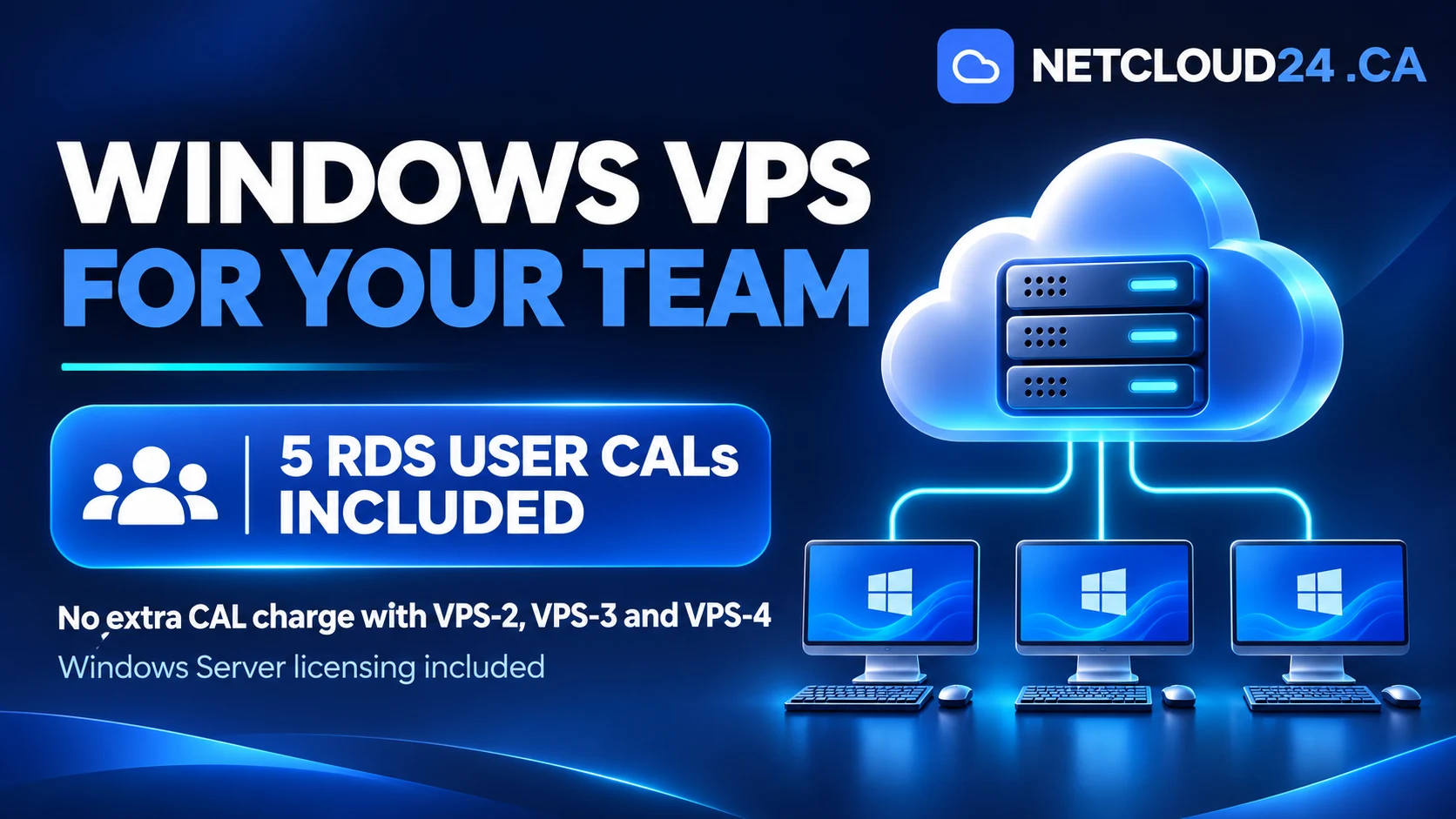
How to Install RDS CALs and Enable Multi-User Remote Desktop on Windows Server
Install the RDS roles and valid CAL pack, configure licensing and user permissions, and test separate Windows and Mac sessions.
Read the article →
Server Backup Recovery for Windows Business Systems
Server backup recovery protects Windows business applications, SQL data and shared files when deletion, corruption or failure disrupts daily operations.
Read the article →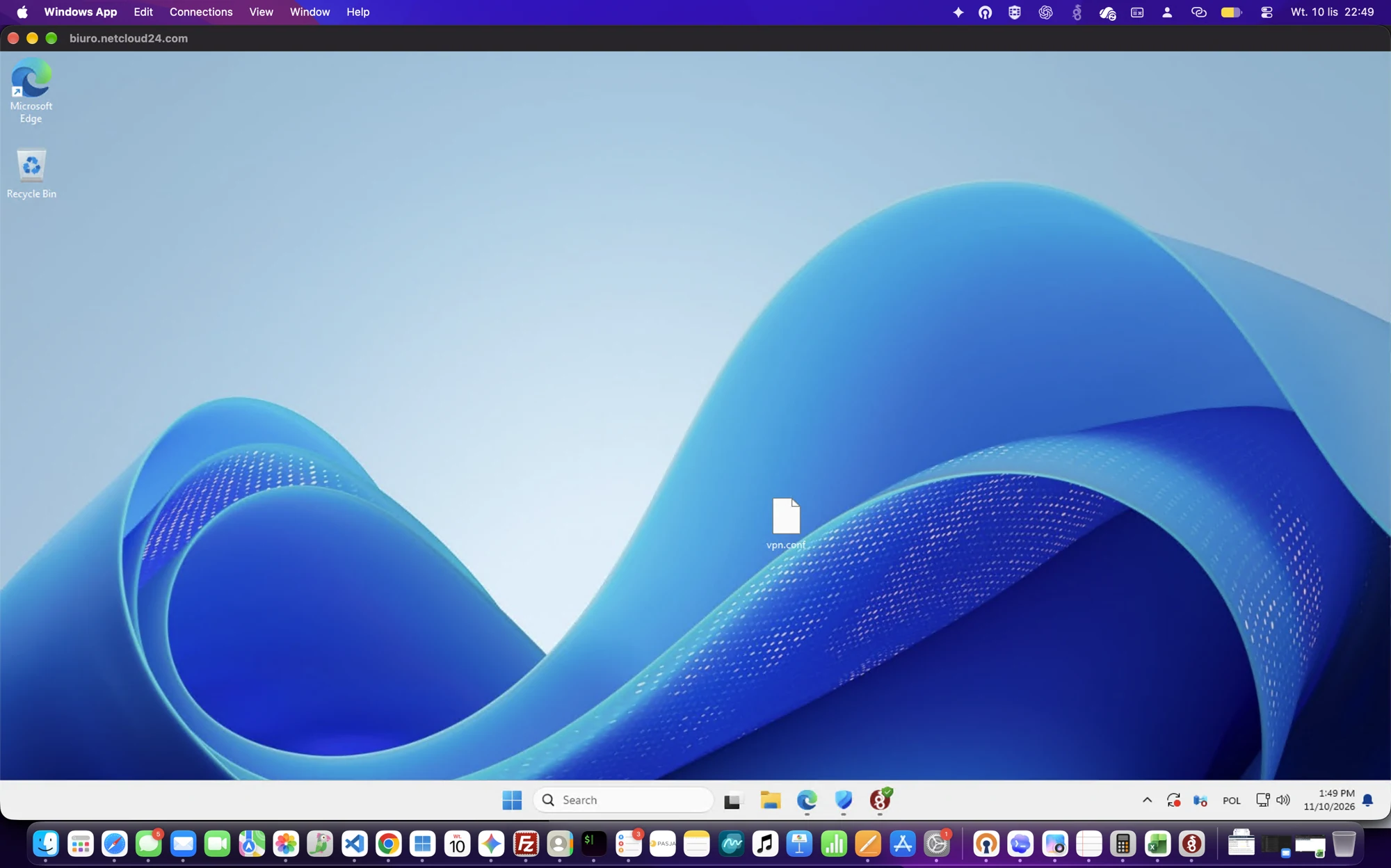
A shared business workspace with a separate Windows session for each colleague
See how colleagues use separate Windows sessions from PCs and Macs in a centrally prepared environment. Learn the supplied connection process, shared-file arrangements and everyday habits that protect team work.
Read the article →Using a Mac for your managed Windows workspace: VPN and Windows App
Connect your Mac to its prepared Windows workspace using the supplied WireGuard profile and Windows App. Follow the illustrated import, sign-in and identity checks without configuring the server yourself.
Read the article →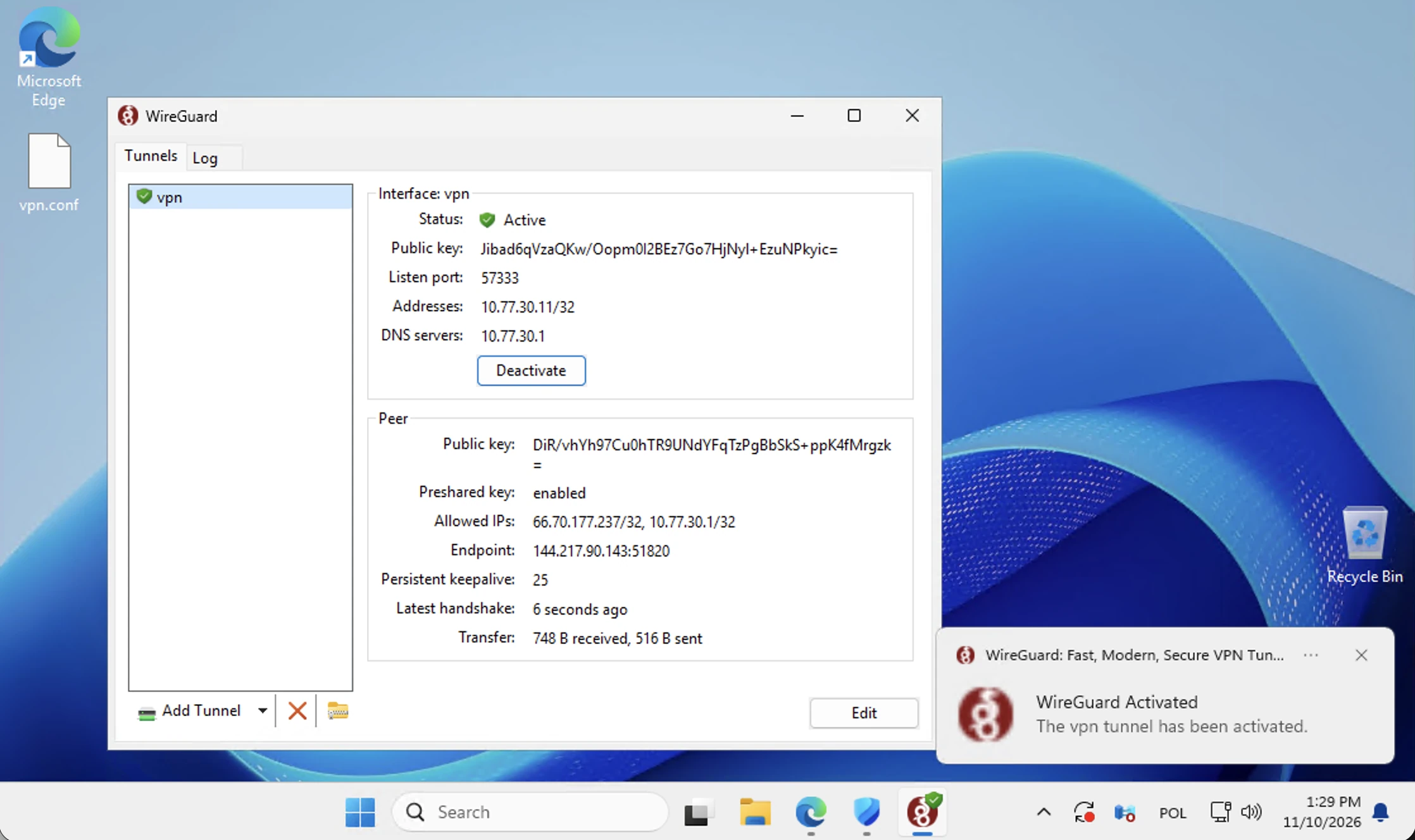
From VPN profile to Windows desktop: connecting with WireGuard on a PC
Import the WireGuard profile supplied for your Windows PC, check the private connection and open the assigned remote desktop. The managed server setup is already prepared by Netcloud24.
Read the article →Find your next answer.
Most Popular Articles
 Selecting a Windows Server interface for the workload and support team
Choose the Windows Server interface around application support, maintenance tasks and recovery skills. Compare Core and Desktop Experience, understand optional components and…
 Testing trusted PowerShell remoting before remote administration
Validate Windows PowerShell remoting layer by layer. Inspect WinRM, use trusted server names, test a harmless command and preserve authentication boundaries, session ownership and…
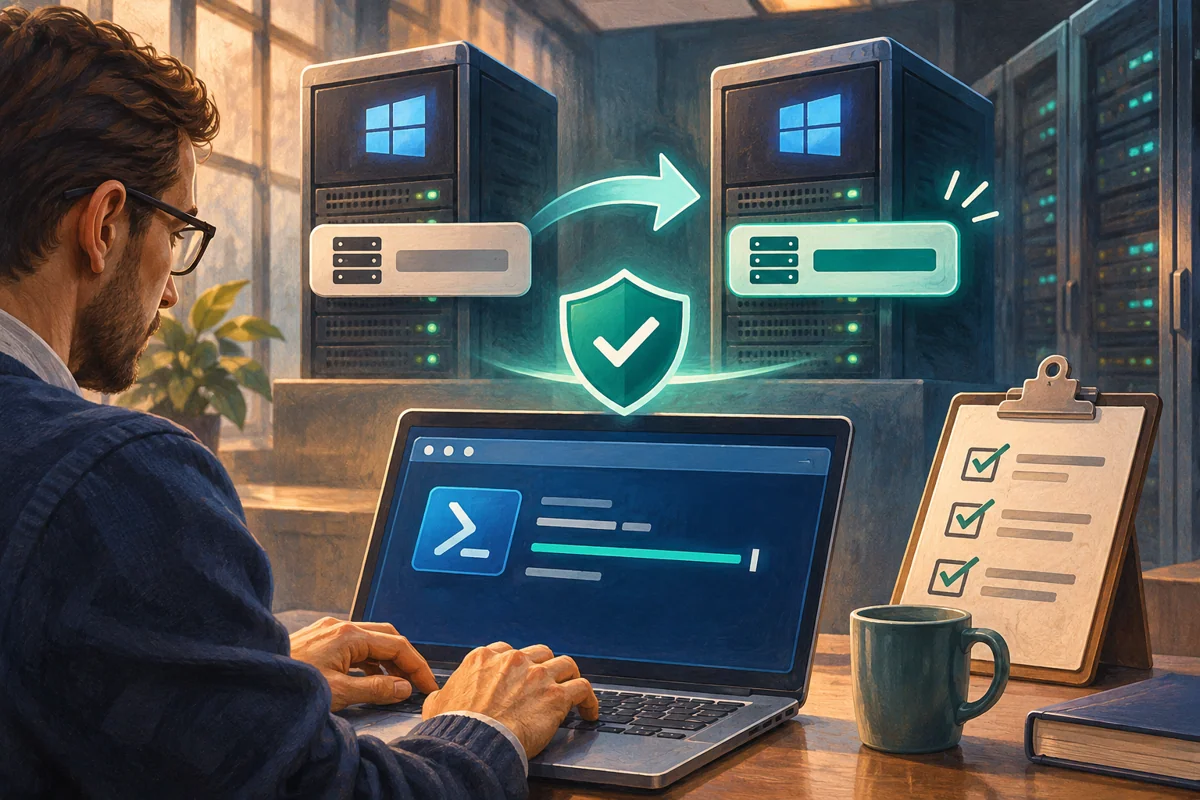 Planning and verifying a Windows Server hostname change
Treat a Windows Server rename as an identity change. Review dependencies, reserve the name, control the reboot and verify DNS, trust, applications and old-record retirement before…
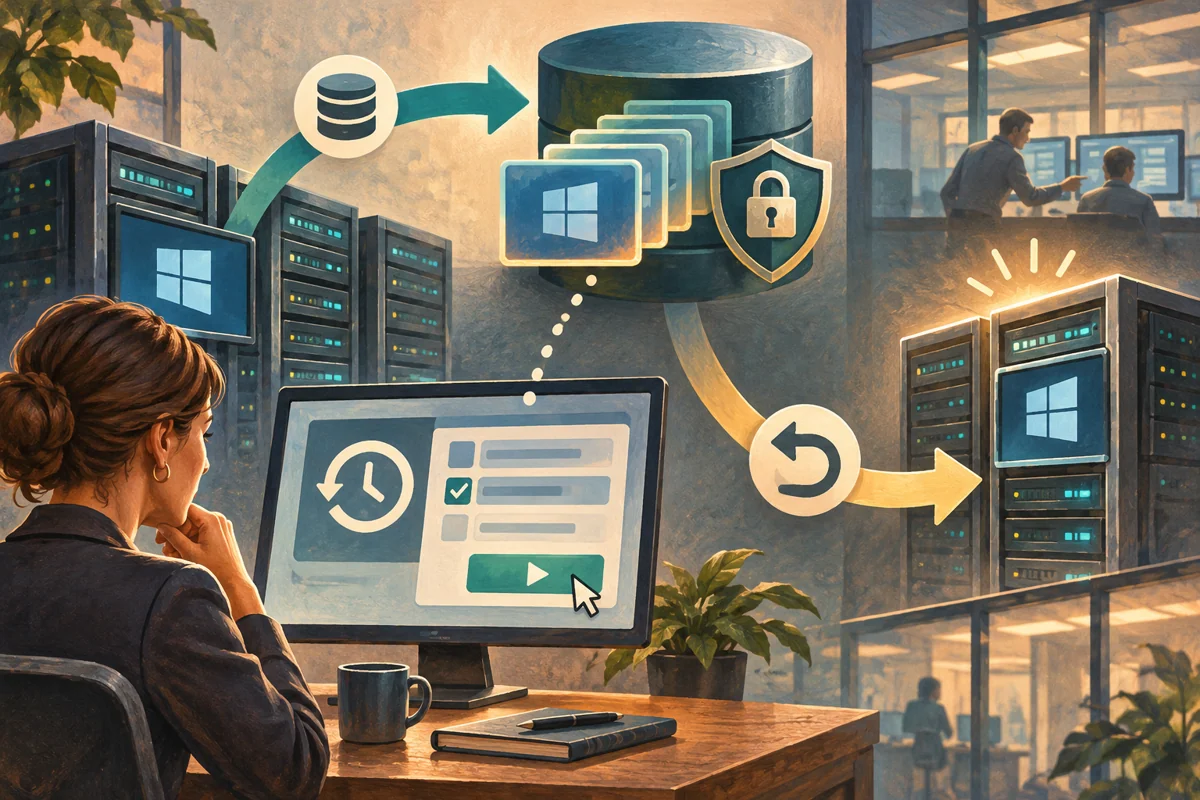 Requesting a restore: backup windows, recovery choices and data checks
Prepare a precise restore request, choose the appropriate recovery scope and protect current work. Understand plan retention, application consistency, incident handling and…
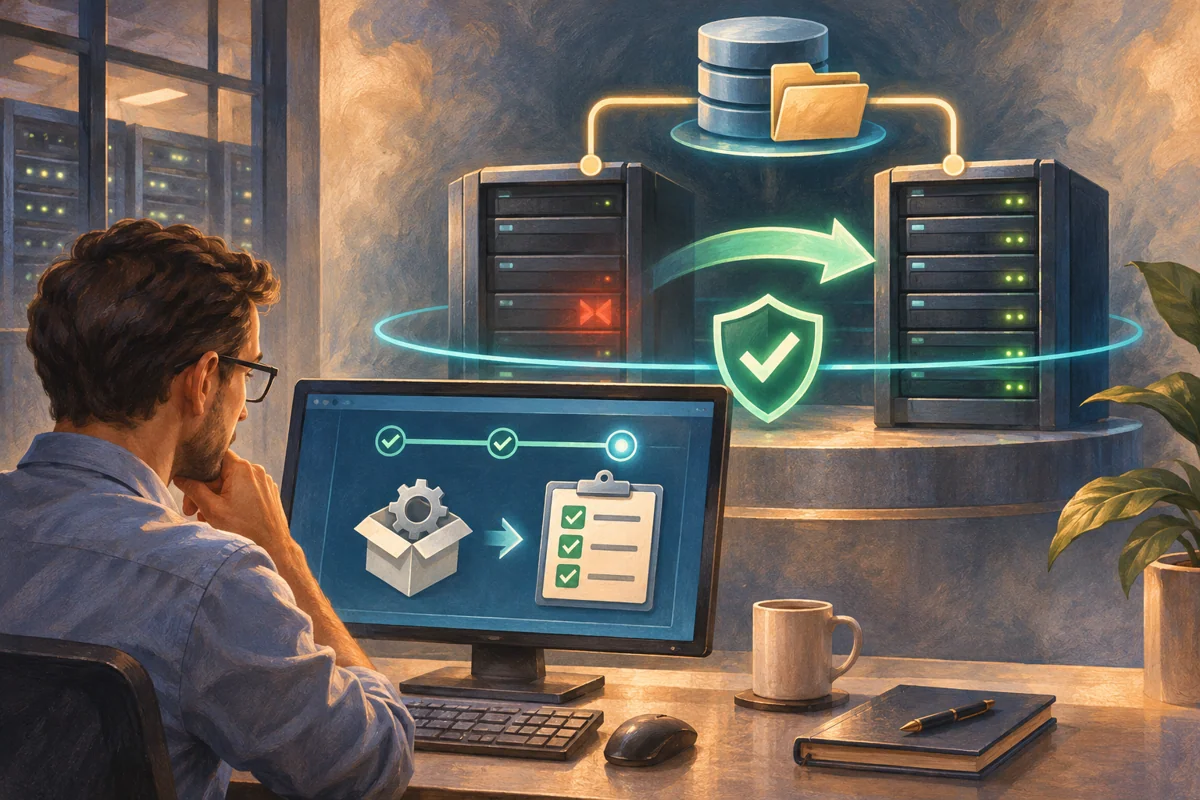 How to Install and Validate Windows Server Failover Clustering
Applies to: Windows Server 2019, 2022 and 2025.Failover Clustering provides coordinated high availability for…
