Windows Networking, VPN and RRAS
TCP/IP, NIC teaming, routing, NAT, VPN, Remote Access, NPS and network troubleshooting.
Articles
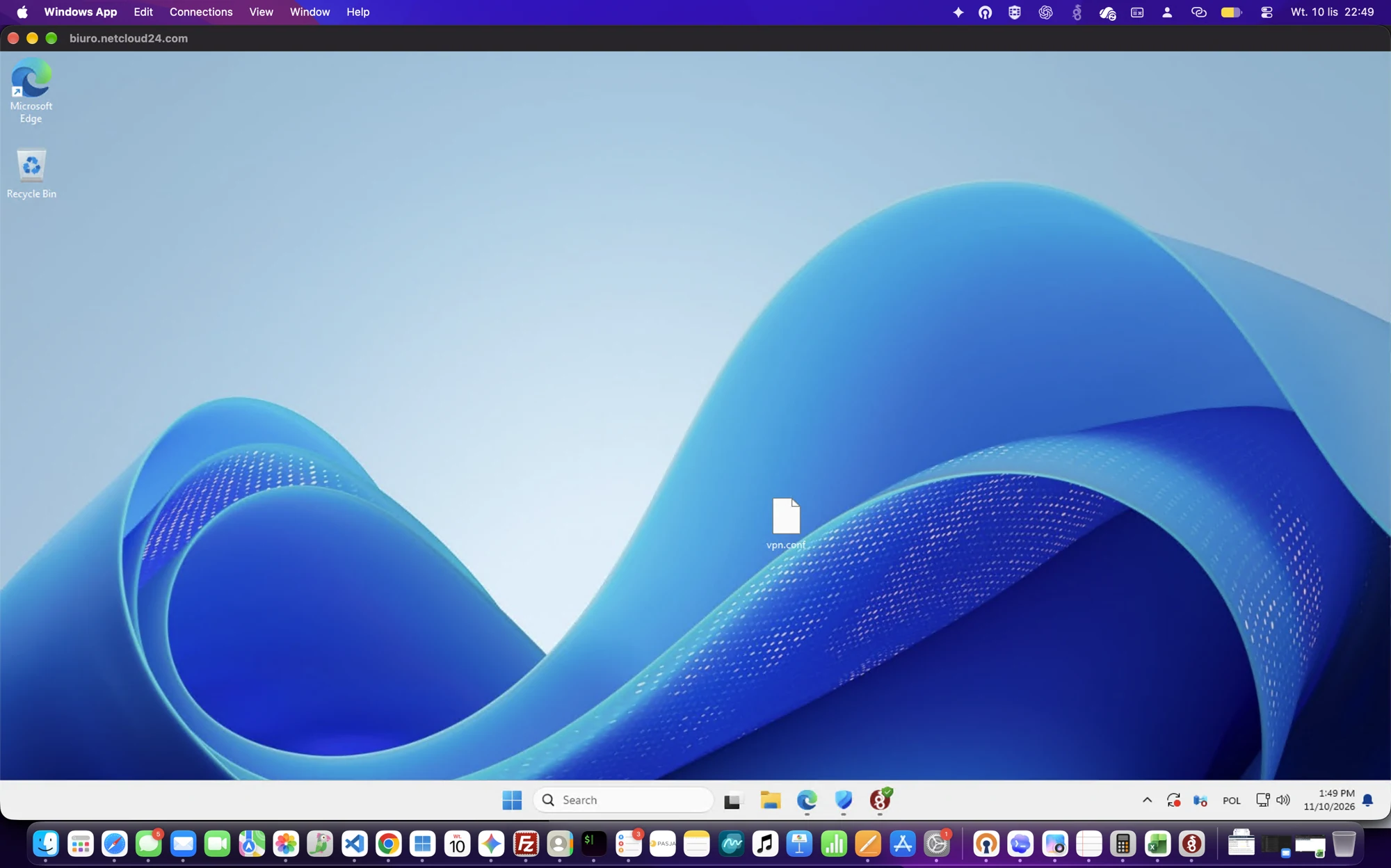 A shared business workspace with a separate Windows session for each colleague
See how colleagues use separate Windows sessions from PCs and Macs in a centrally prepared environment. Learn the supplied connection process, shared-file arrangements and…
 Maintaining a specific Windows Server route without changing the default path
Maintain a subnet-specific Windows route with a verified interface and next hop, prove source selection and application reachability, and remove or restore the exact persistent…
 How to Configure DNS Client Settings with PowerShell
Windows DNS client settings determine which resolvers a server asks for names. An incorrect resolver can break domain sign-in, application connections and administration even when…
 Providing controlled outbound IPv4 access with RRAS NAT
Configure traditional RRAS outbound NAT from the client’s full route, assign deliberate interface roles, verify actual translations and unpublished services, and diagnose DNS,…
 Choosing and proving a Windows Server NIC teaming design
Select LBFO or Hyper-V SET from the supported server role, define realistic failure and throughput goals, configure explicit adapters, and validate application continuity before…
 How to Configure NIC Teaming with Switch Independent Mode
Applies to: Windows Server 2019, Windows Server 2022, and Windows Server 2025.NIC Teaming combines adapters for resiliency without requiring switch-side…
 How to Configure Windows Server as a NAT Router
A Windows Server routing host can translate traffic from an approved private network onto an upstream network using RRAS NAT. This is a network design change, not simply a way to…
 How to Configure a Persistent Static Route
Applies to: Windows Server 2019, Windows Server 2022, and Windows Server 2025.A persistent route directs a specific destination network through an approved gateway after server…
 Building a certificate-validated IKEv2 remote-access service
Design an IKEv2 service around gateway and EAP certificate validation, narrow NPS authorisation, managed client provisioning and external acceptance tests, with current mapping…
 Connecting two routed sites through an RRAS IKEv2 interface
Connect two sites using an RRAS IKEv2 interface with machine certificates, complementary subnet routes and matched responder policy, then verify application traffic and retain a…
Using a Mac for your managed Windows workspace: VPN and Windows App
Connect your Mac to its prepared Windows workspace using the supplied WireGuard profile and Windows App. Follow the illustrated import, sign-in and identity checks without…
 How to Install RDS CALs and Enable Multi-User Remote Desktop on Windows Server
Remote Desktop Services (RDS) lets several people use applications and individual Windows desktops on one server. Each person signs in with a separate Windows account and works…
 Introducing NPS as a controlled RADIUS authority
Introduce NPS with distinct AD registration and RADIUS peer trust, narrow policy matching, current integrity and certificate requirements, and real grant, denial and accounting…
 Preparing RRAS for an agreed Windows Server gateway role
Prepare RRAS by choosing its gateway purpose, verifying platform support and interface design, installing only needed services, and testing the actual routed or VPN workflow with…
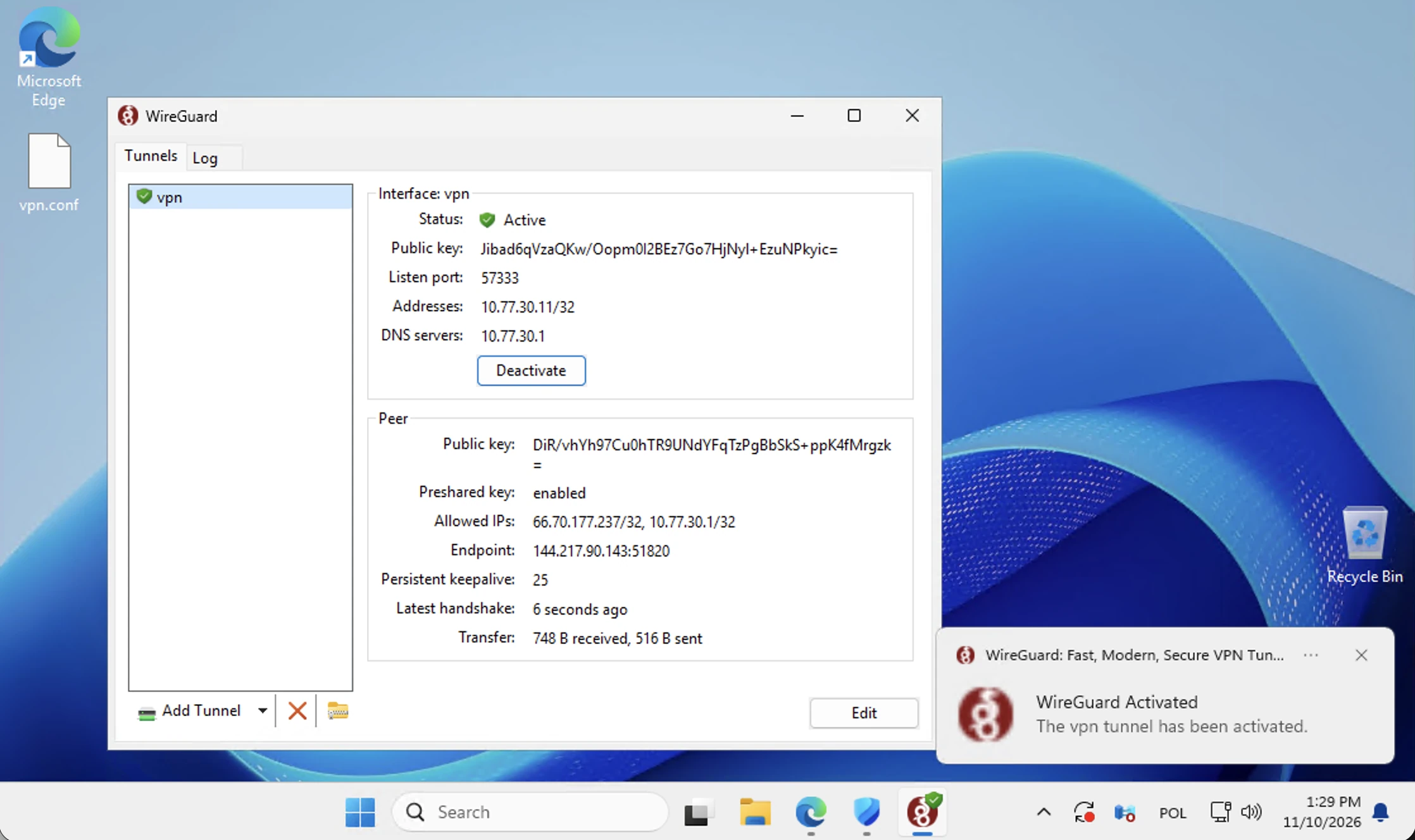 From VPN profile to Windows desktop: connecting with WireGuard on a PC
Import the WireGuard profile supplied for your Windows PC, check the private connection and open the assigned remote desktop. The managed server setup is already prepared by…
 Tracing a Windows Server connection from name resolution to application response
Trace one failing server connection through interface state, DNS, route choice, transport and application evidence, then apply a focused repair and verify the same path without…
