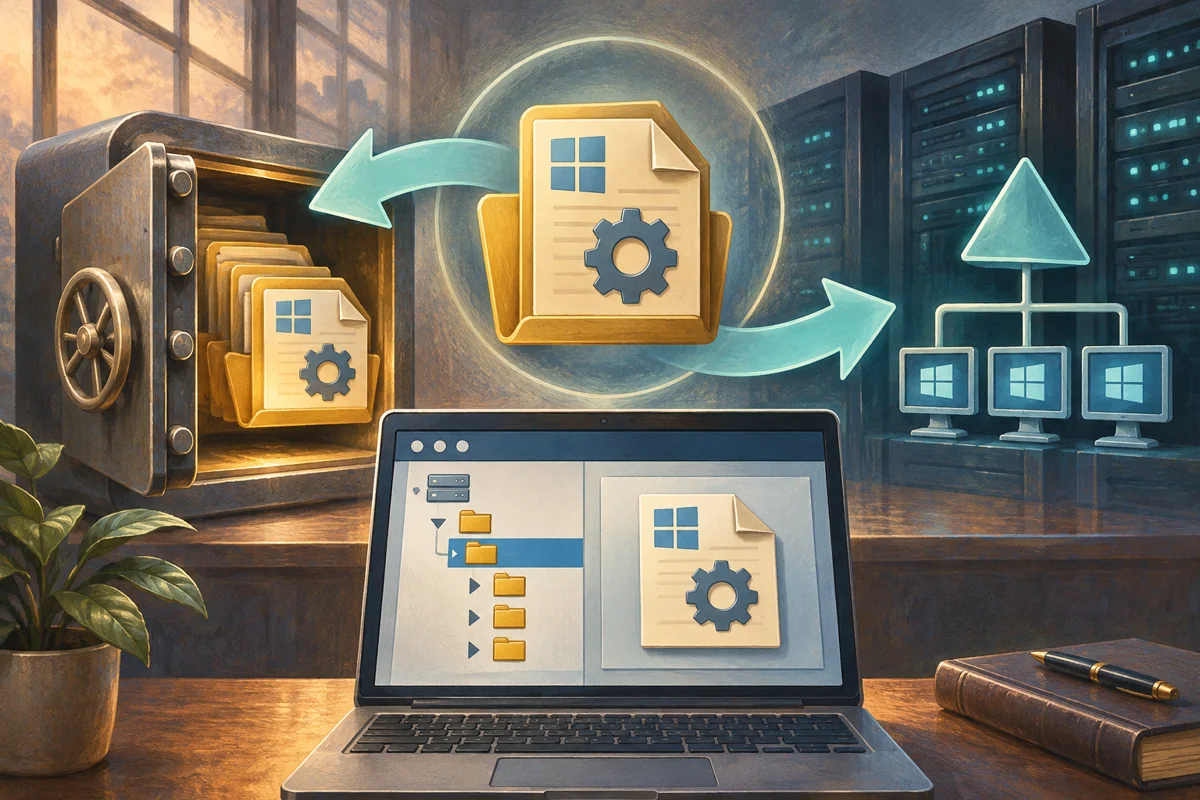
How to Back Up and Restore Group Policy Objects
Applies to: Windows Server 2019, 2022 and 2025 domain environments.
GPO backup protects policy data and metadata before edits. A backup does not include every external dependency such as scripts stored elsewhere.
Test Group Policy in a controlled OU before production rollout. For managed Windows Server hosting, visit managed Windows VPS hosting.
Prerequisites
- Create a secured backup folder.
- Use an account with read access to policy.
- Record GPO name and change ticket.
- Test restore in a lab.
Procedure
Step 1: Create destination
Use protected storage.
New-Item -ItemType Directory -Path 'D:\GPO-Backups' -ForceStep 2: Back up one GPO
Capture a comment.
Backup-GPO -Name 'Server Baseline - Audit Policy' -Path 'D:\GPO-Backups' -Comment 'Before audit policy change'Step 3: List backups
Review backup IDs and timestamps.
Get-ChildItem 'D:\GPO-Backups'Step 4: Restore when approved
Restore by name from the known backup path.
Restore-GPO -Name 'Server Baseline - Audit Policy' -Path 'D:\GPO-Backups'Step 5: Validate links and settings
Compare reports before and after.
Verification
Generate an HTML report and inspect settings.
Get-GPOReport -Name 'Server Baseline - Audit Policy' -ReportType Html -Path 'D:\GPO-Backups\baseline-report.html'Rollback
Restore the preceding known-good backup or remove the affected link while investigating.
Official references
For a hosted environment with setup and onboarding, explore our managed Windows VPS plans.
 How to Create and Link a Group Policy Object with PowerShell
Applies to: Windows Server 2019, 2022 and 2025 domain environments.A GPO should…
 How to Configure Group Policy Loopback Processing for RDS Servers
Applies to: Windows Server 2019, 2022 and 2025 domain…
 How to Configure Domain Password and Account Lockout Policy
Applies to: Windows Server 2019, 2022 and 2025 domain environments.Domain…
 How to Troubleshoot Group Policy with GPResult and Event Viewer
Applies to: Windows Server 2019, 2022 and 2025 domain environments.Group…
 Keeping Group Policy editors consistent with a controlled ADMX store
Keep domain policy editors consistent using a coherent ADMX Central Store. Review languages and vendor files, test complete updates and…
